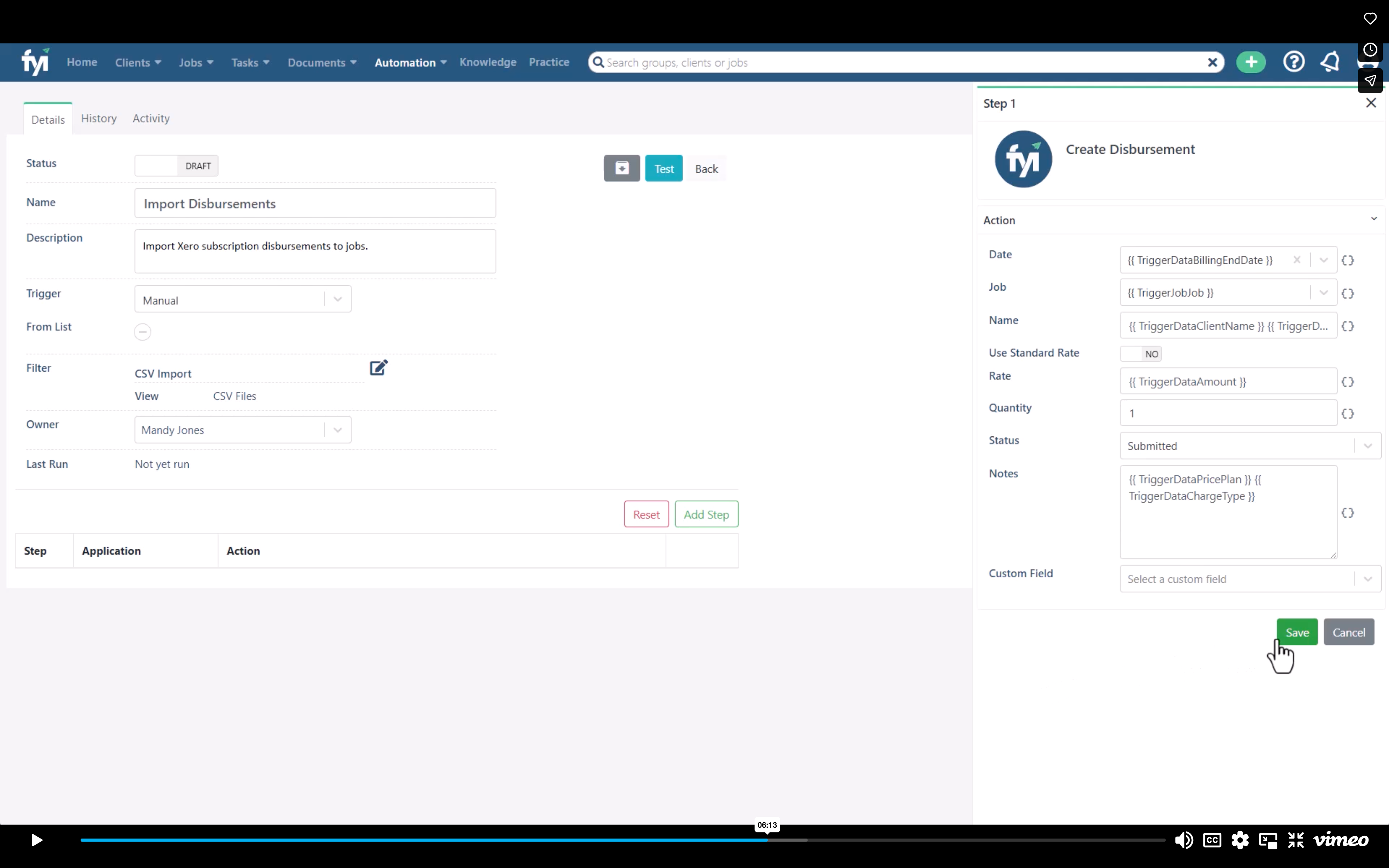
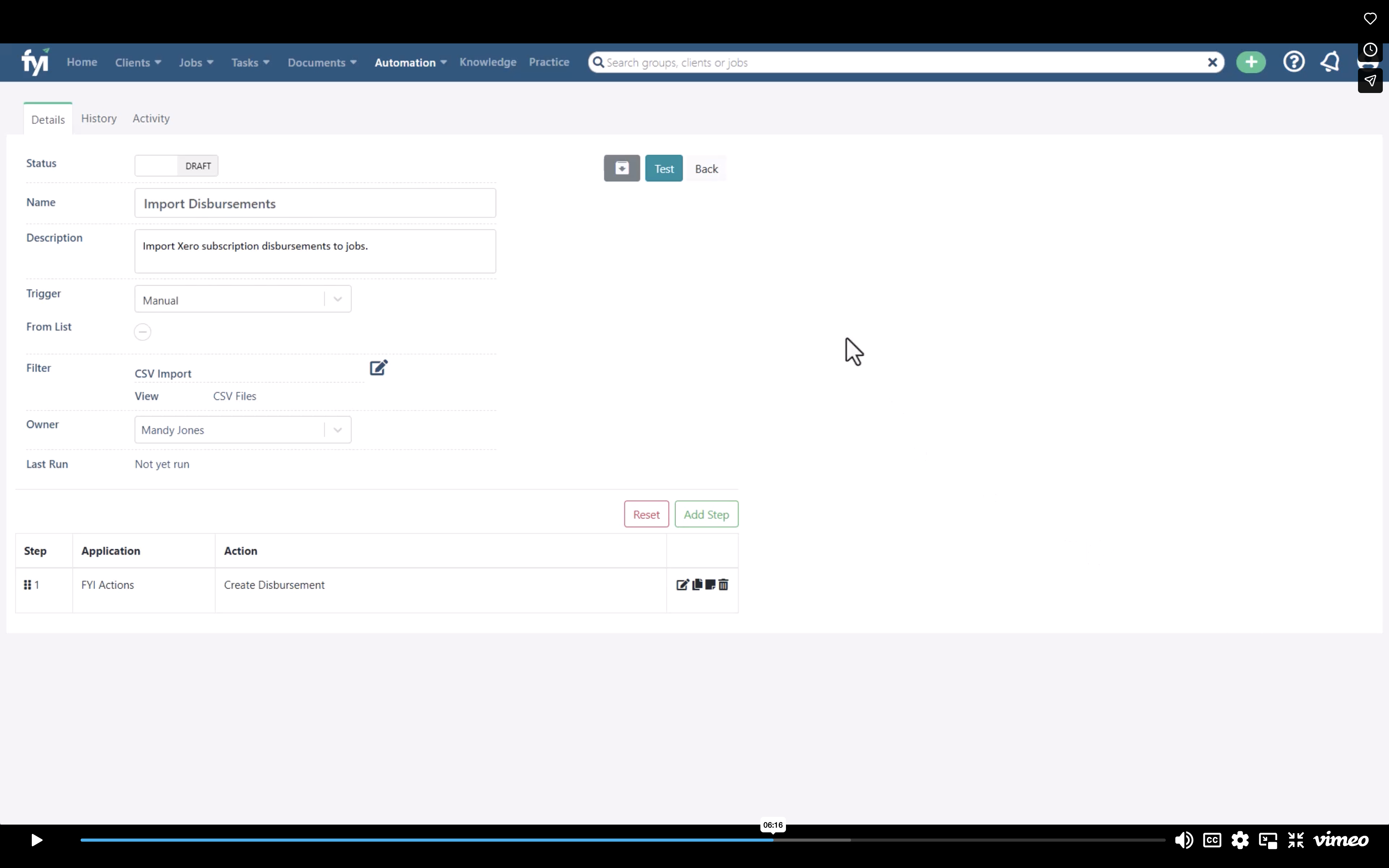
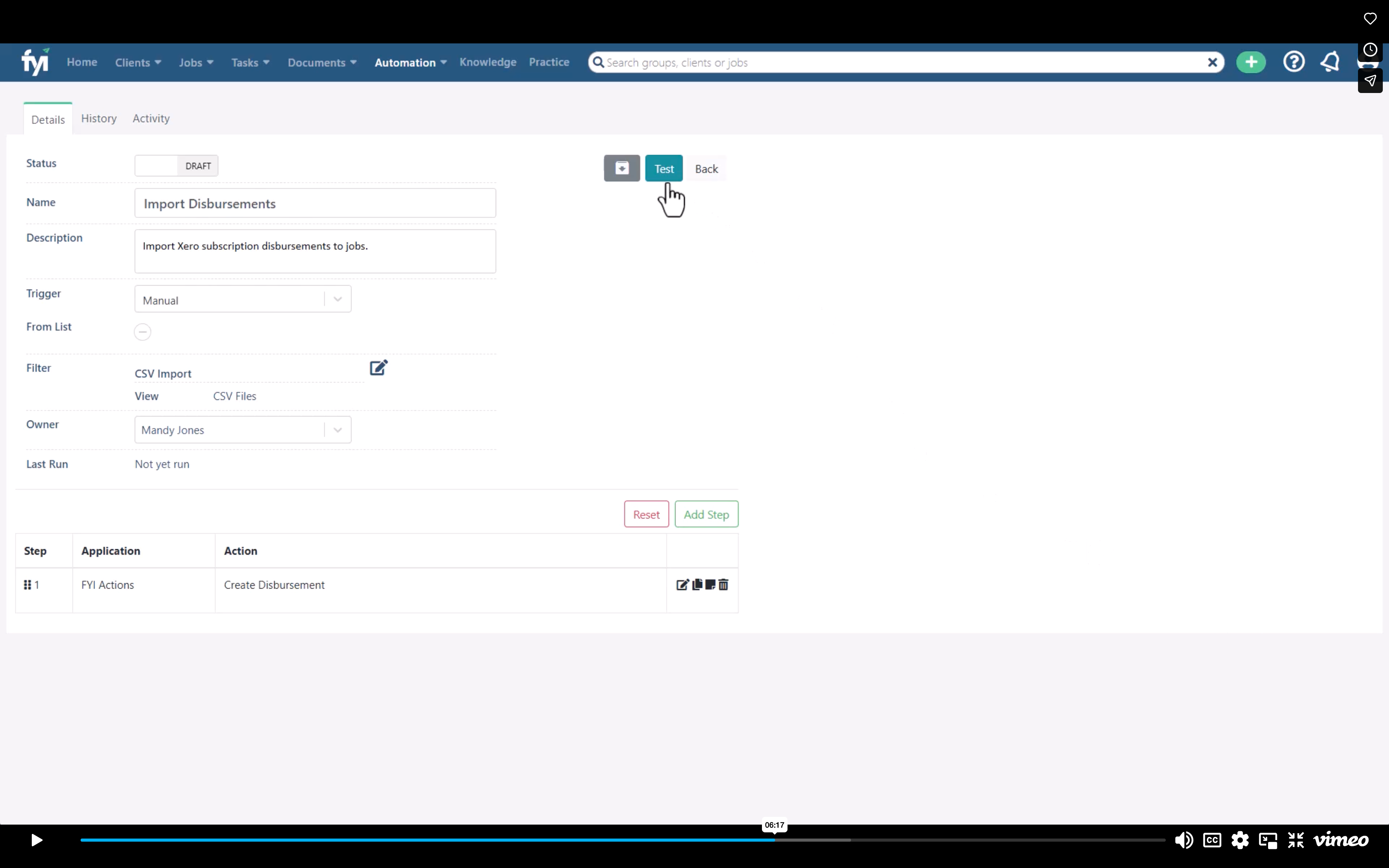
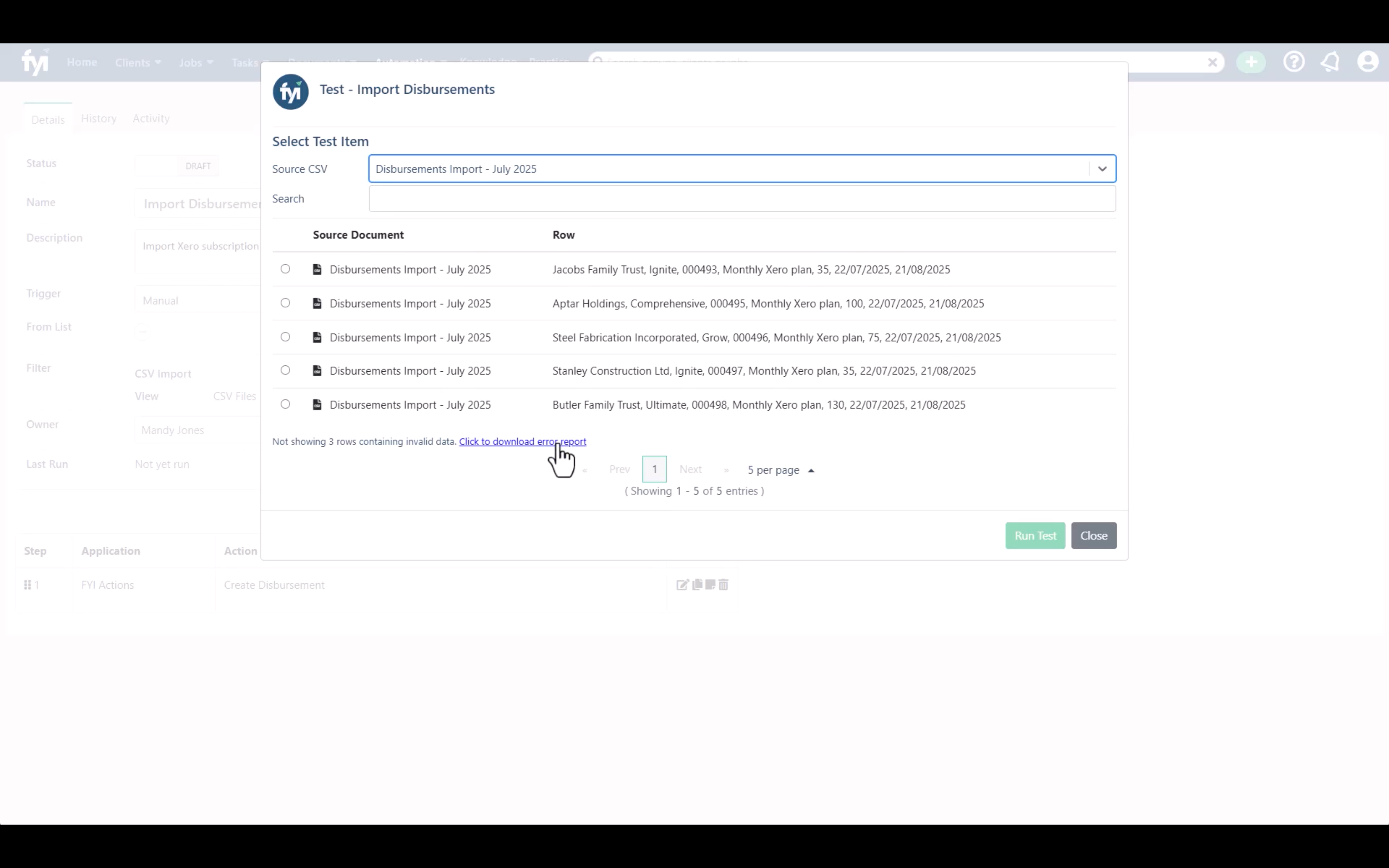
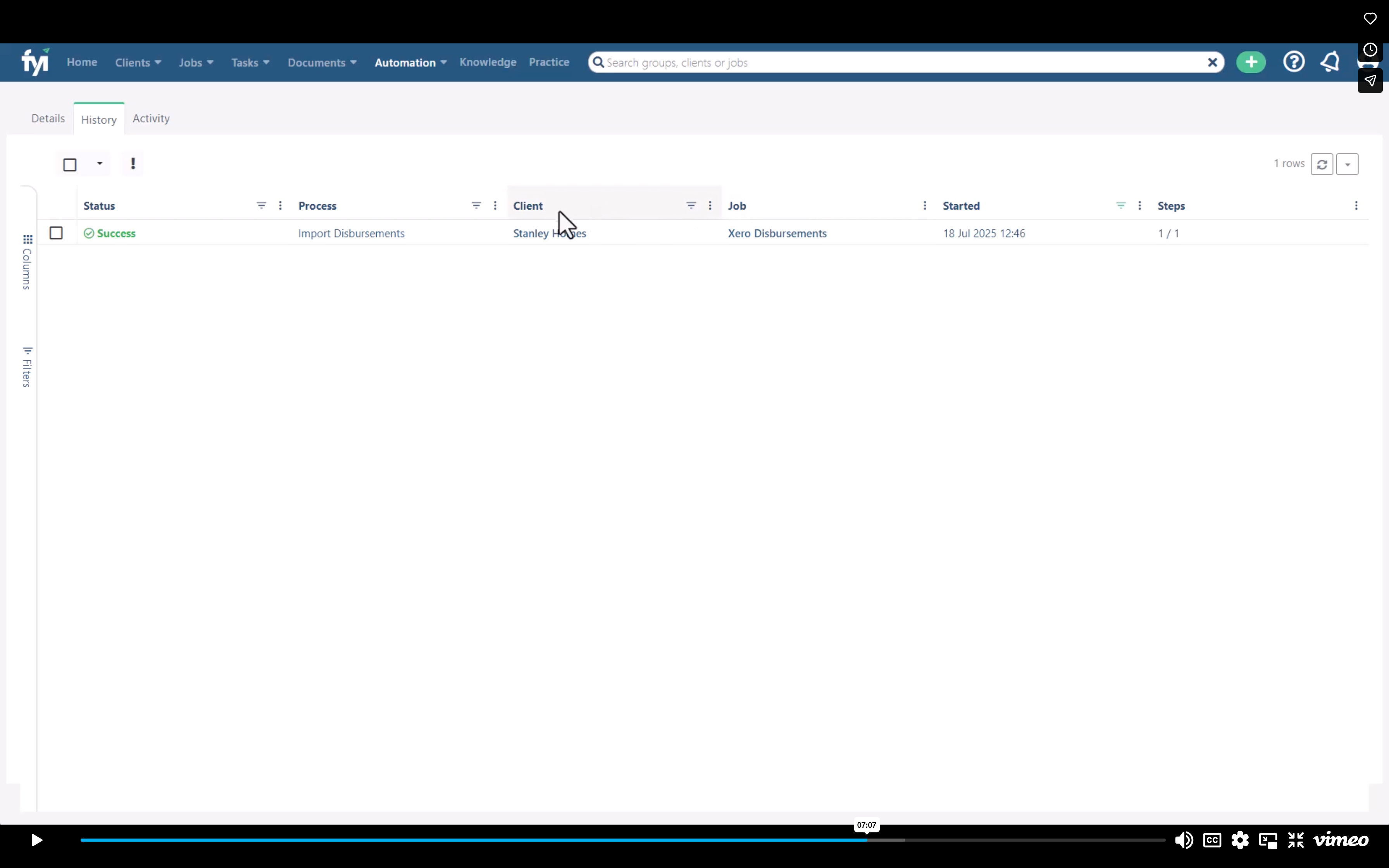
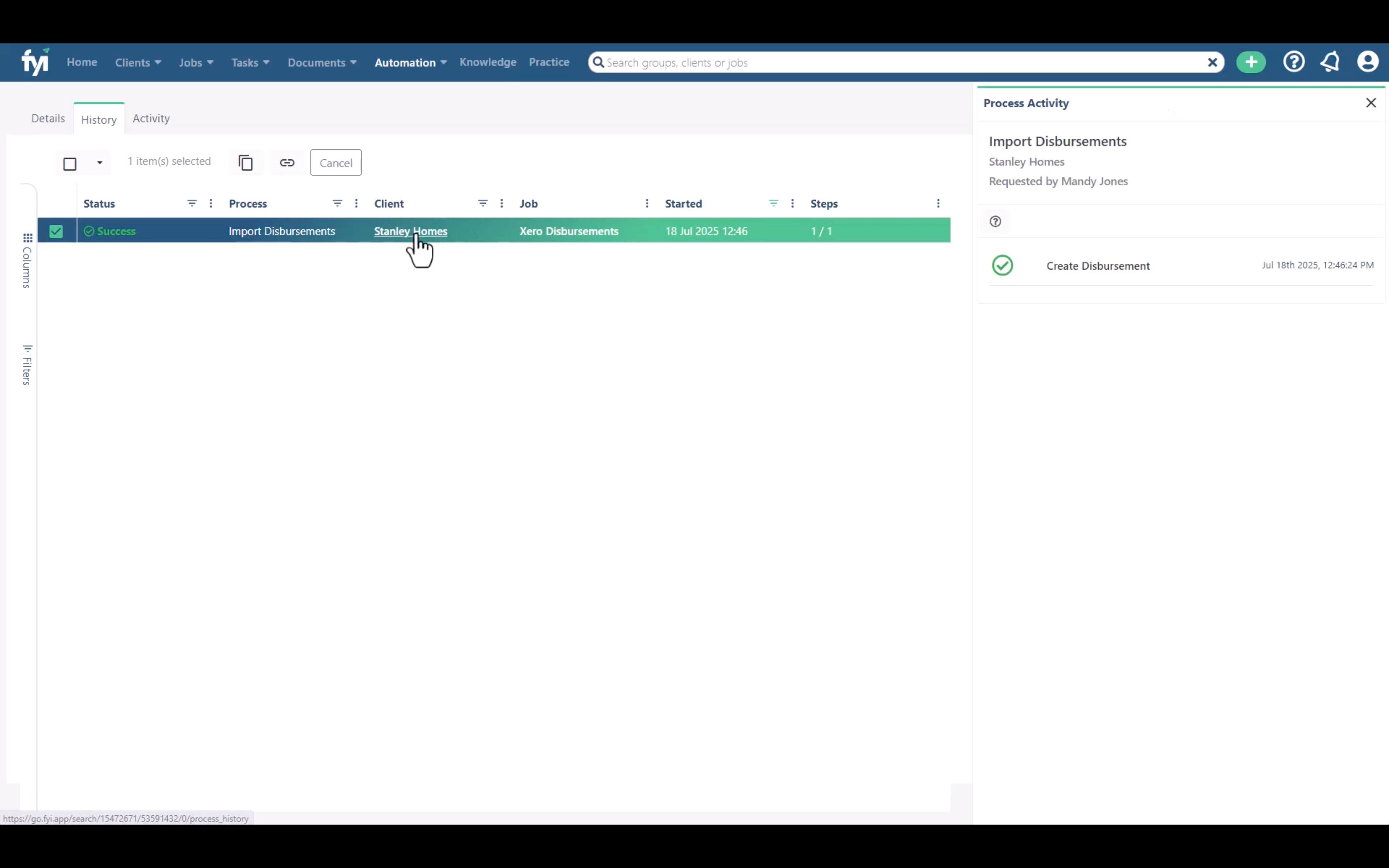
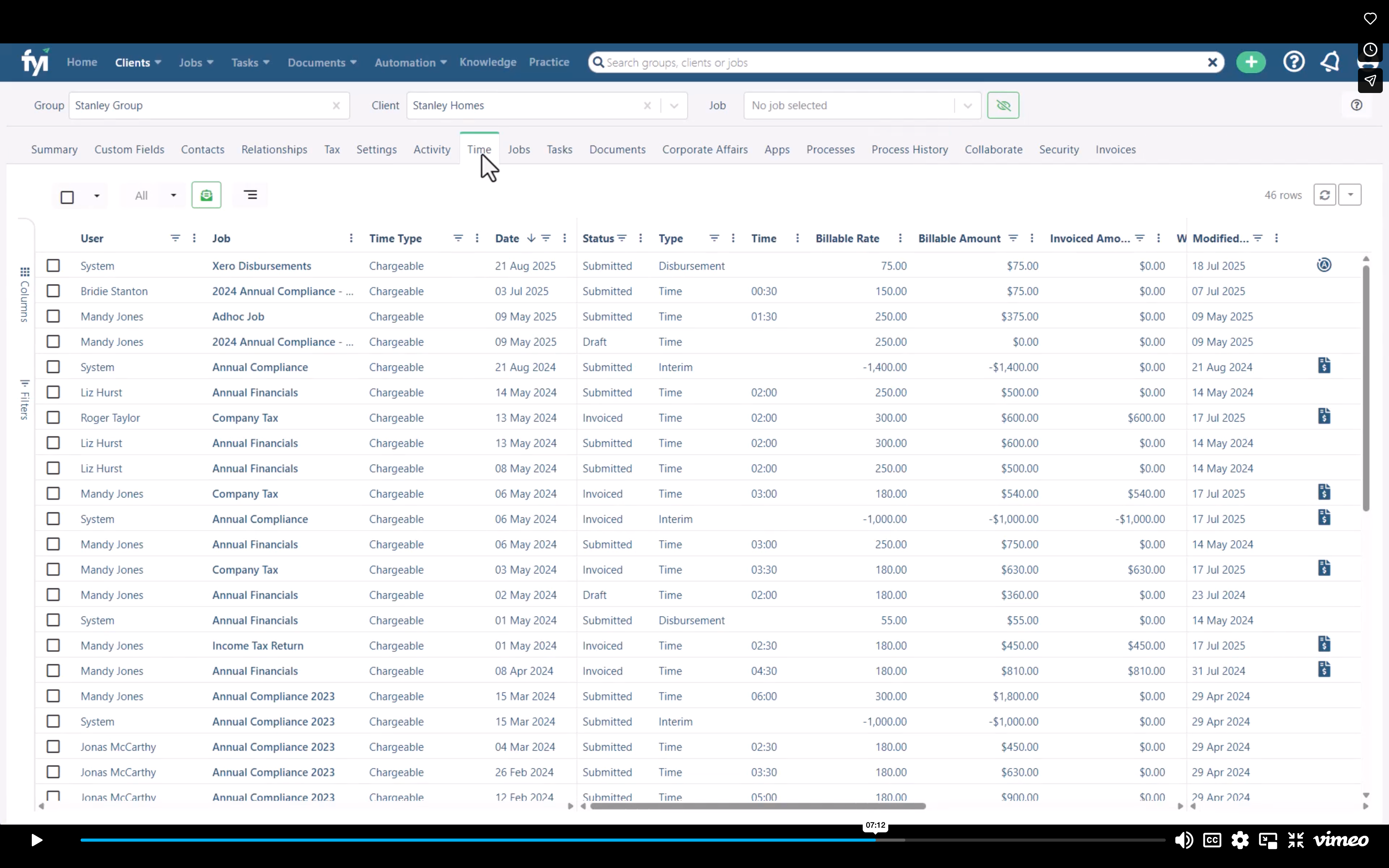
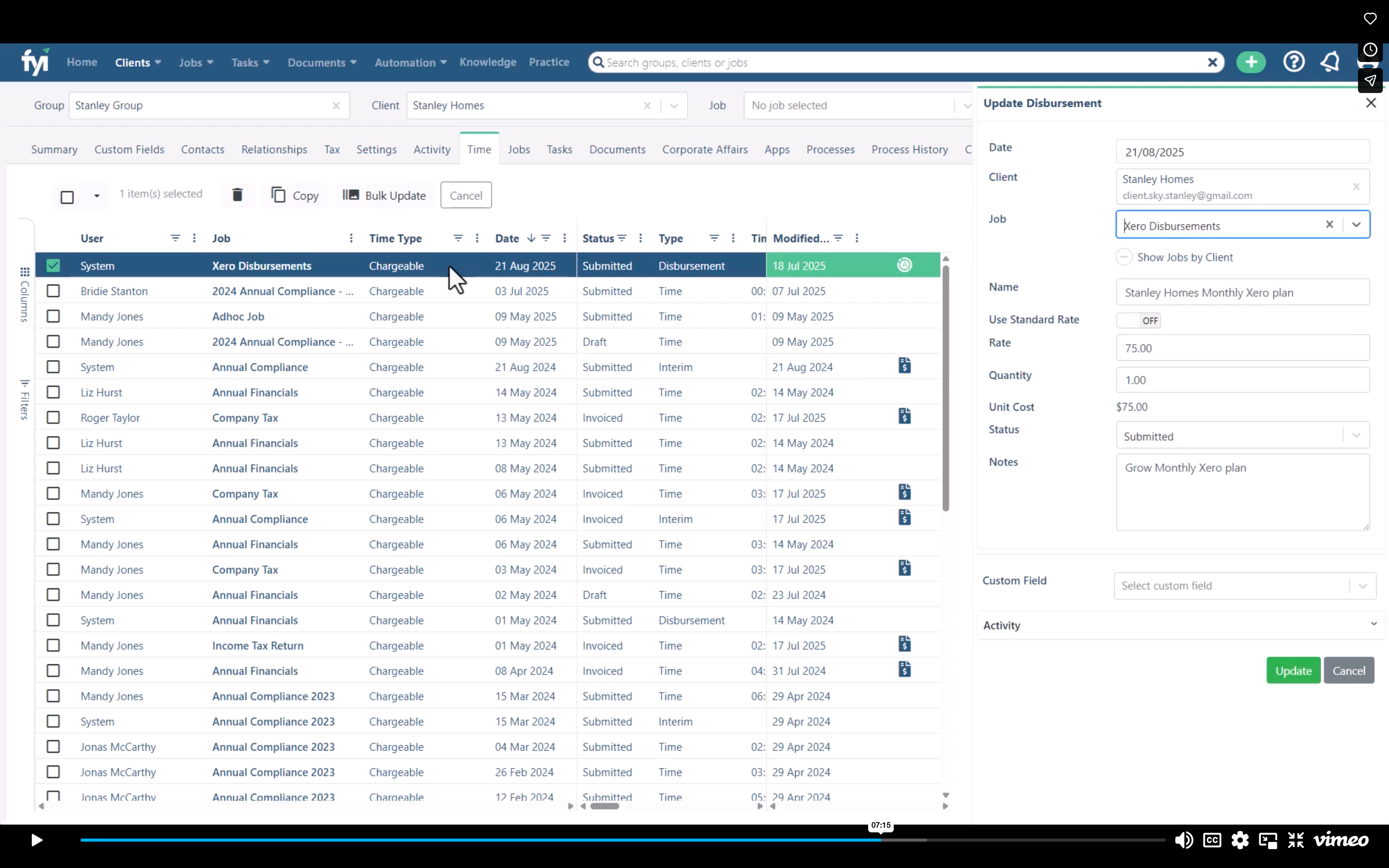
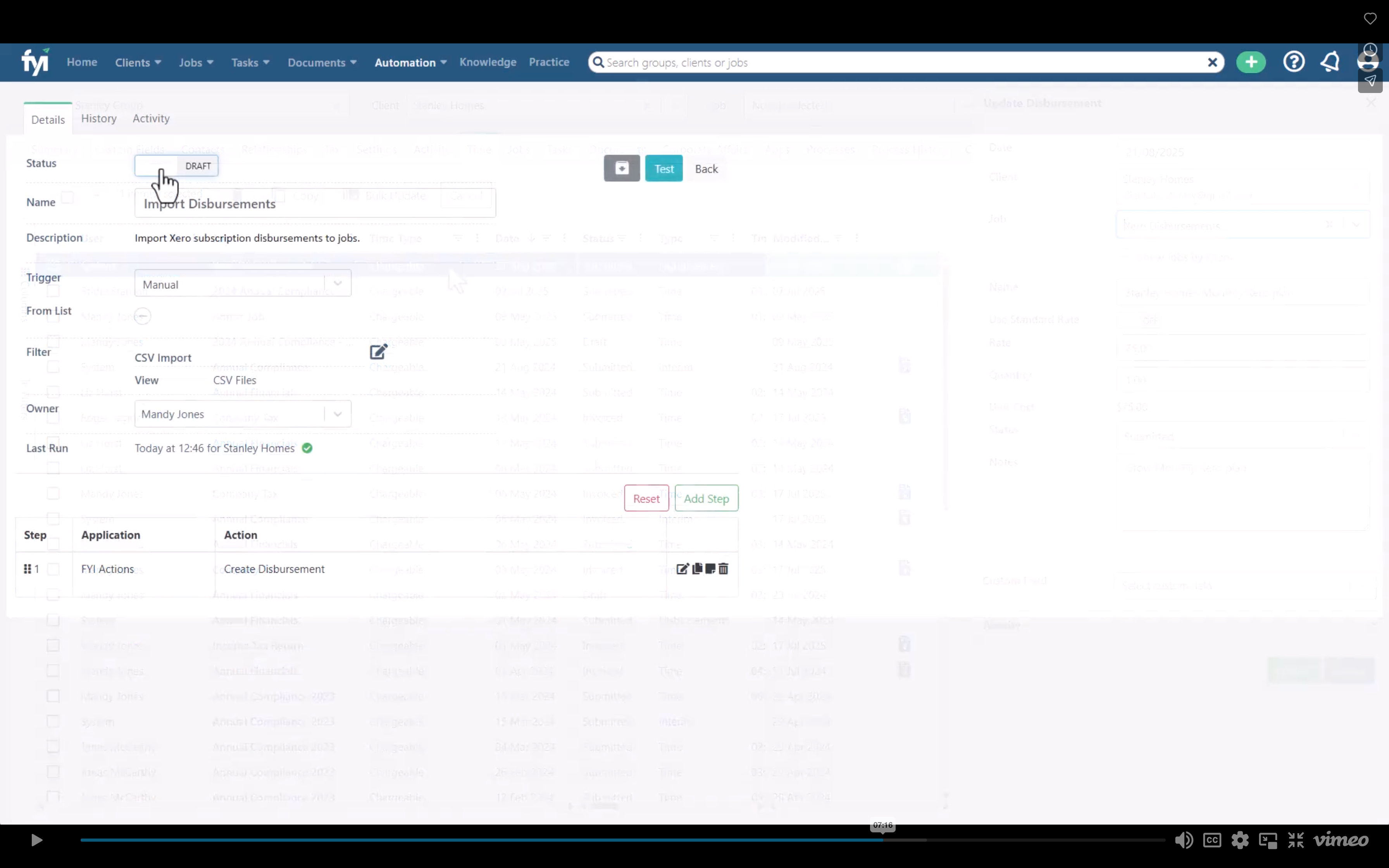
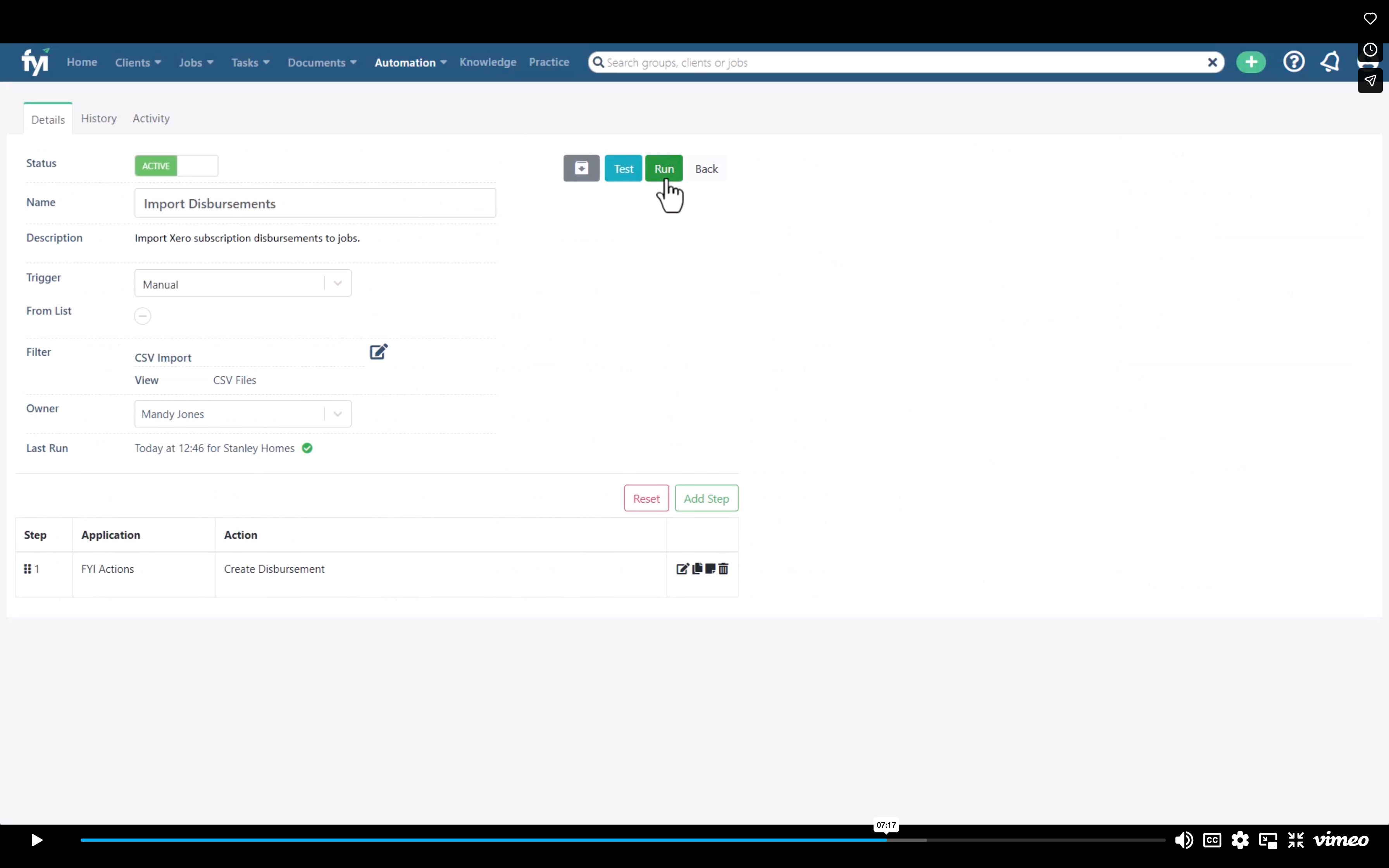
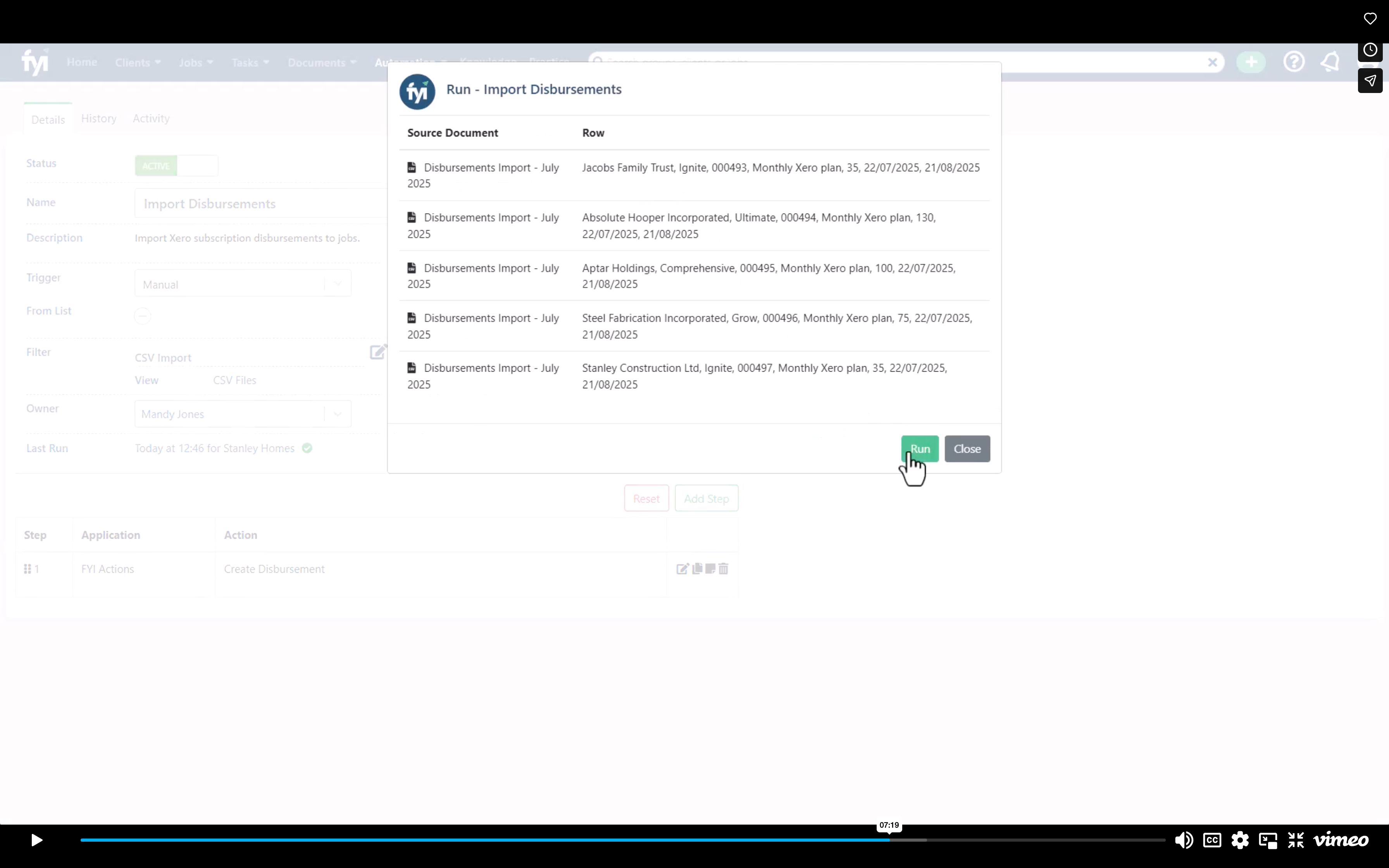
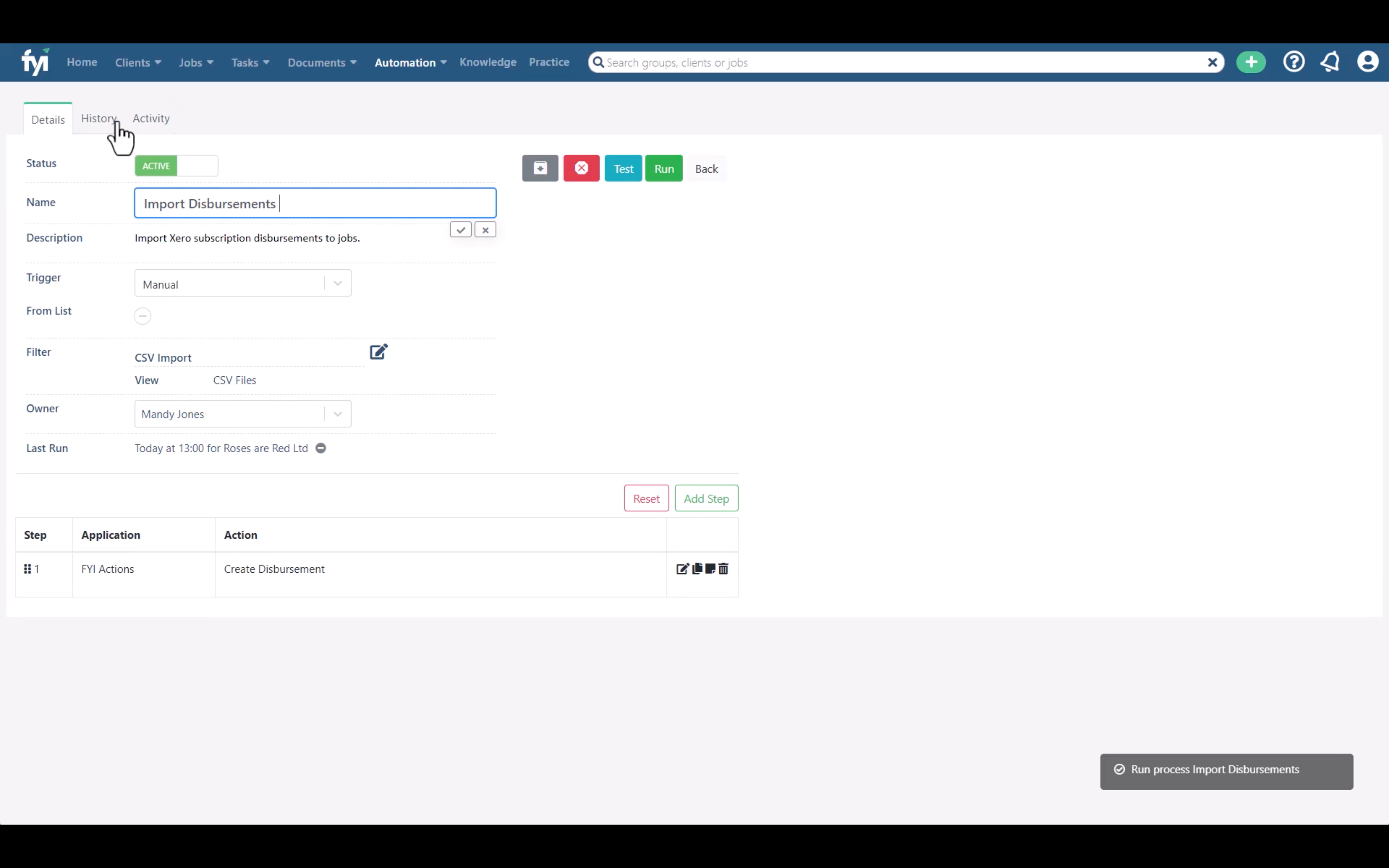
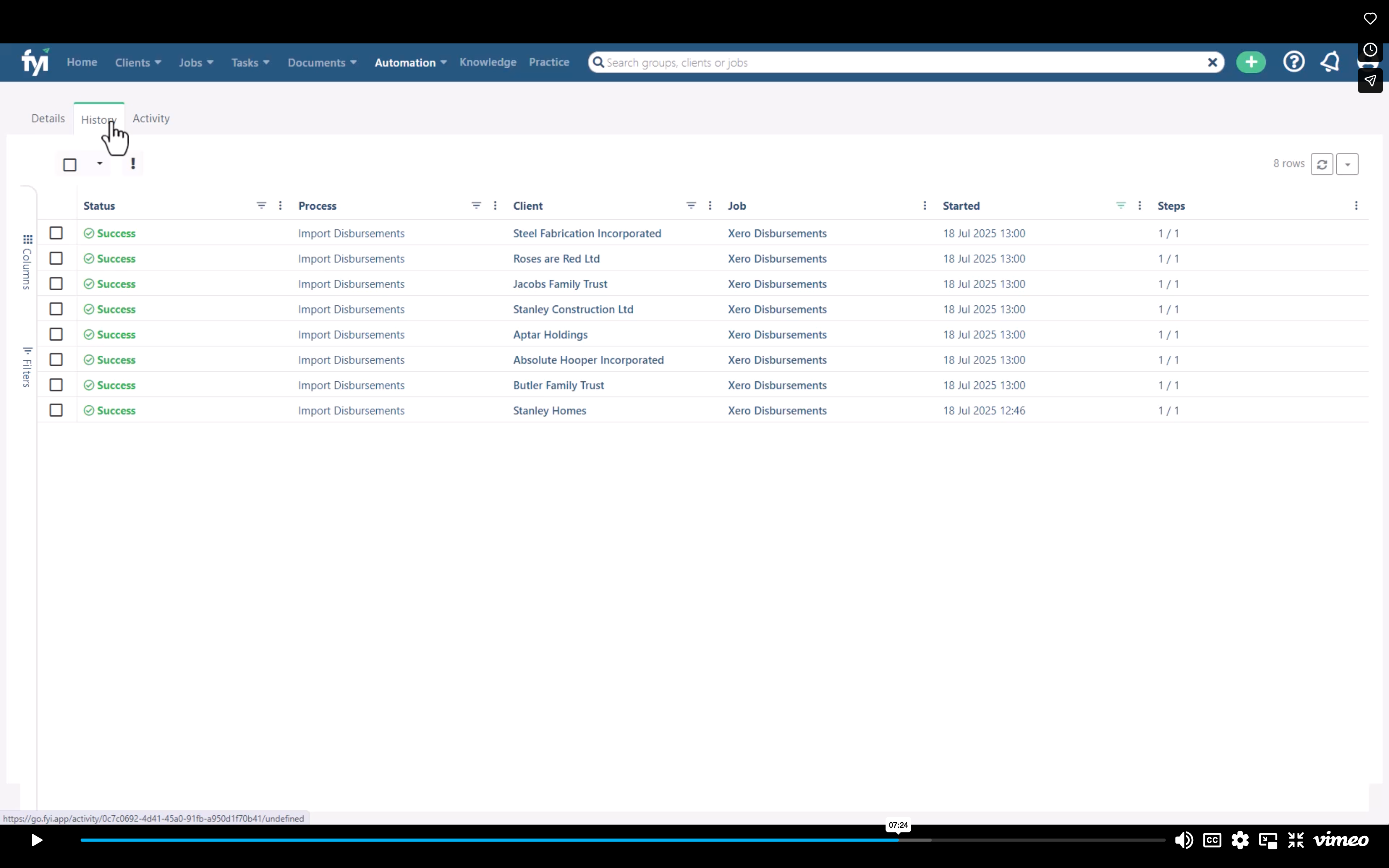
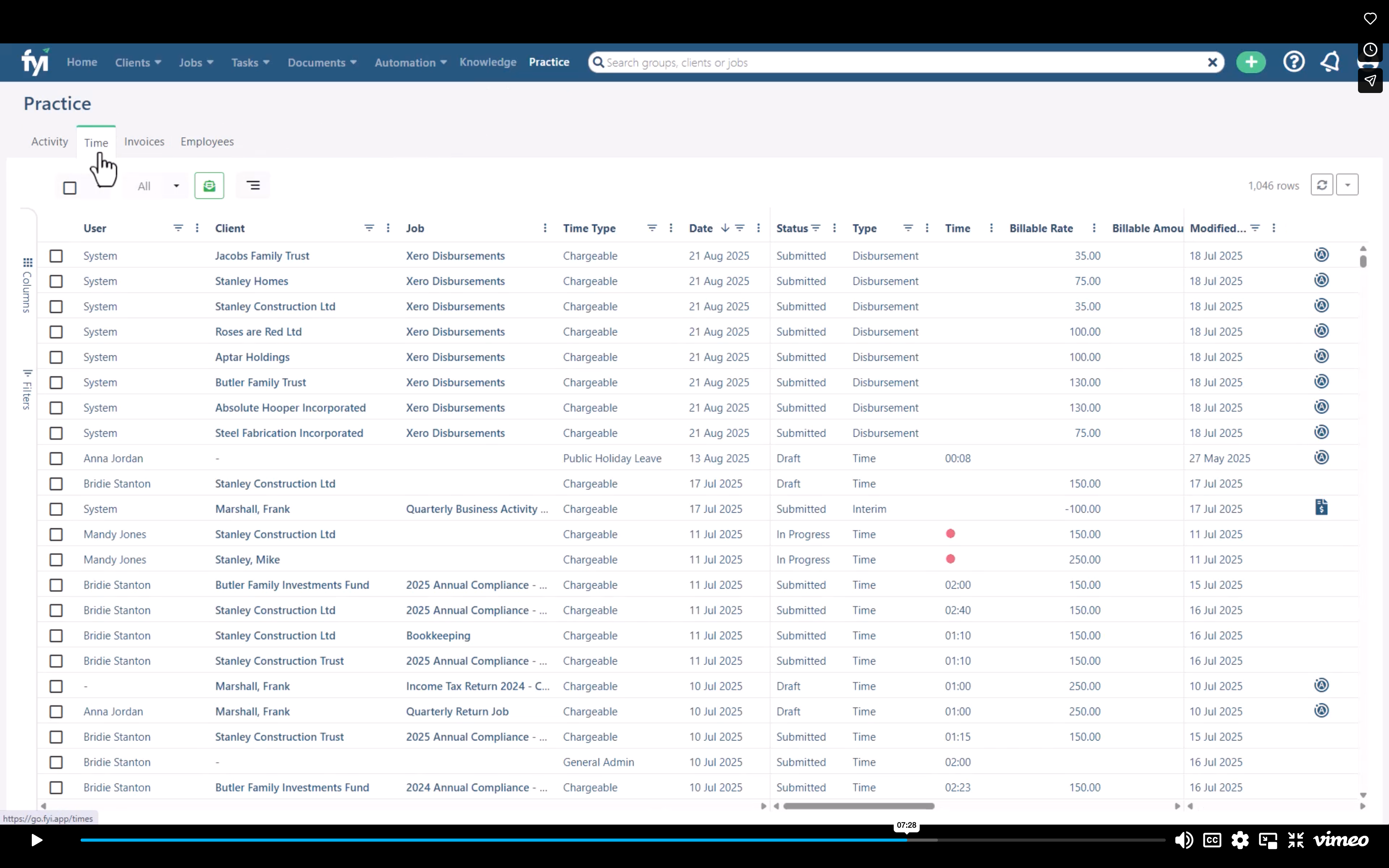
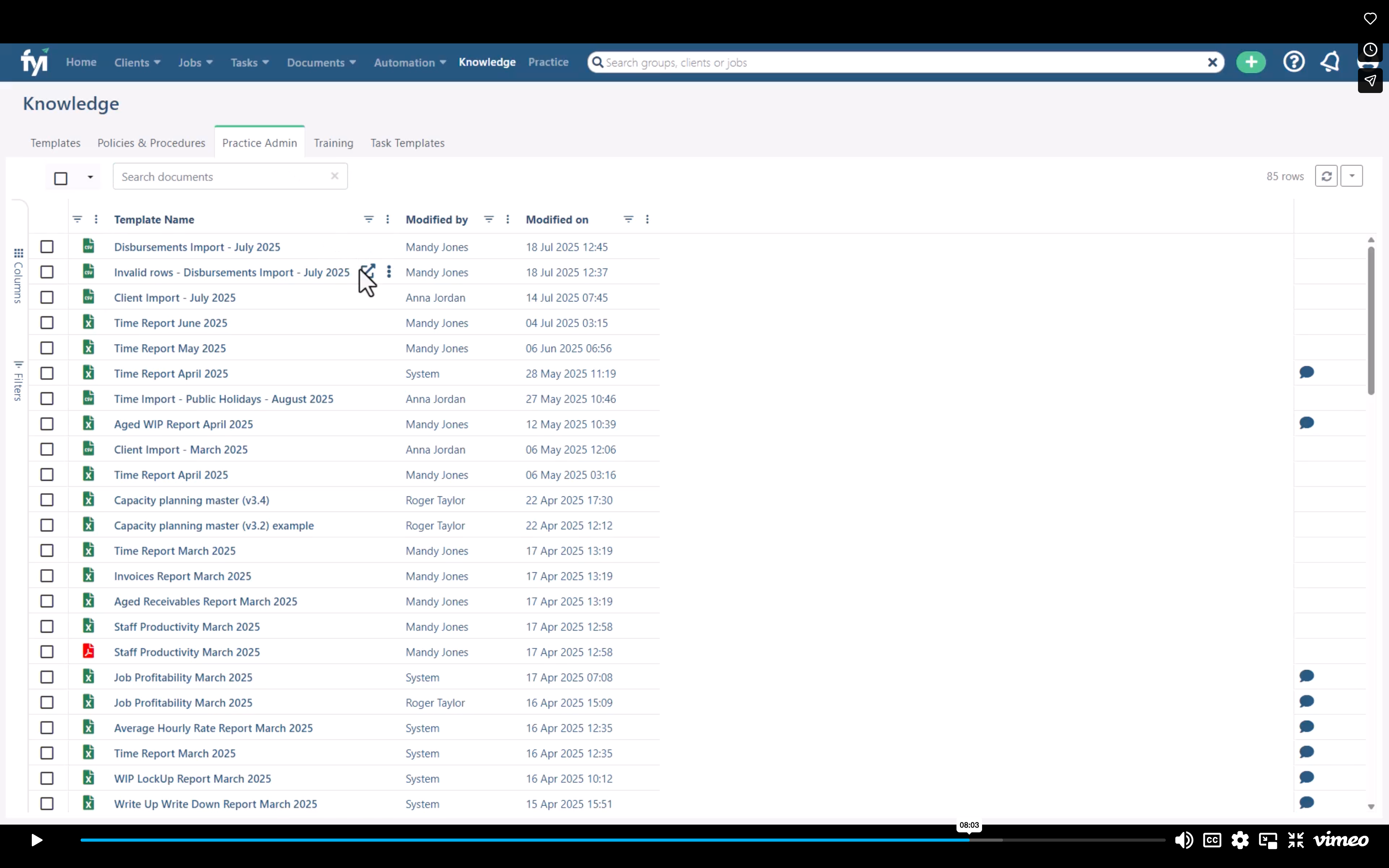
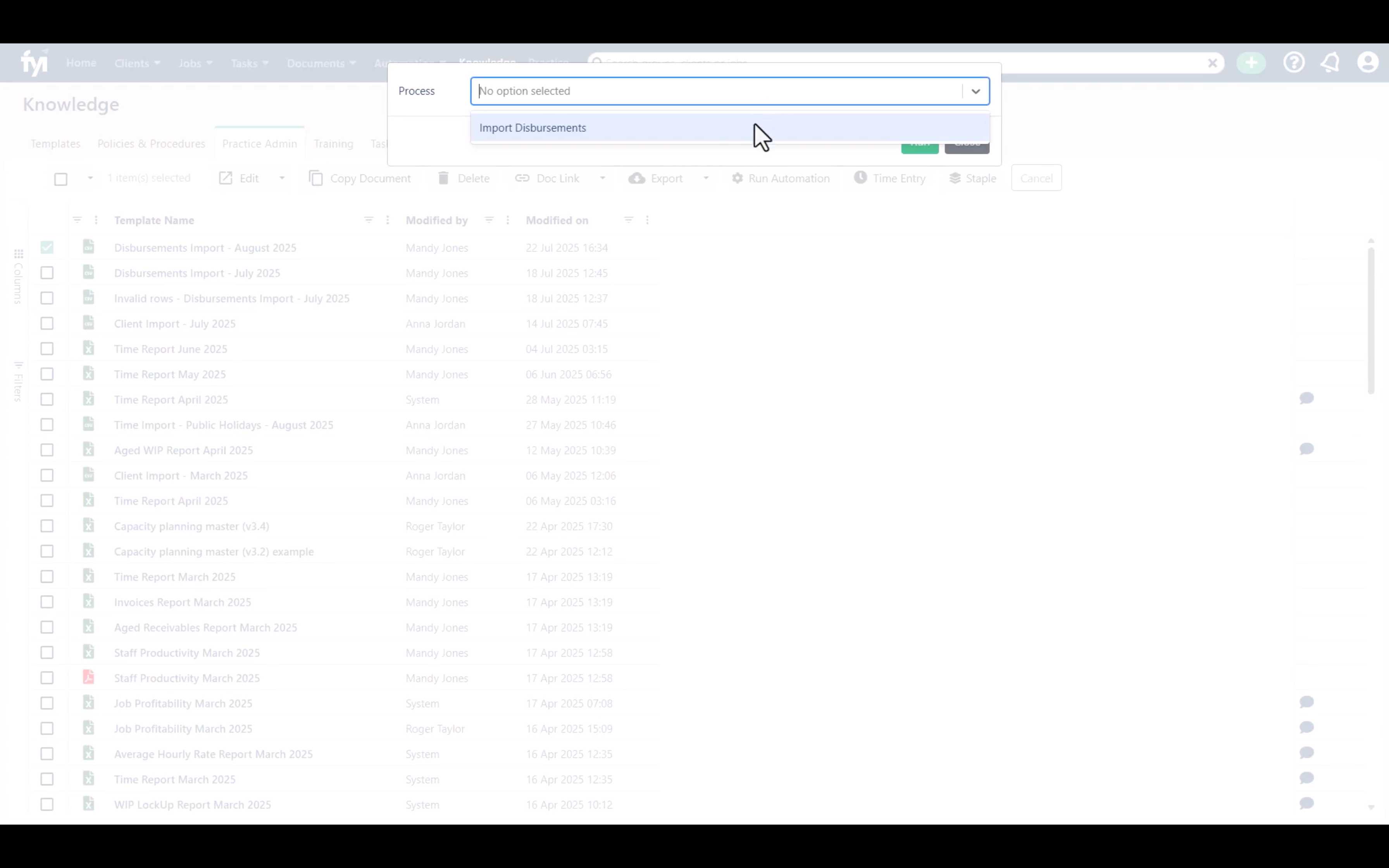
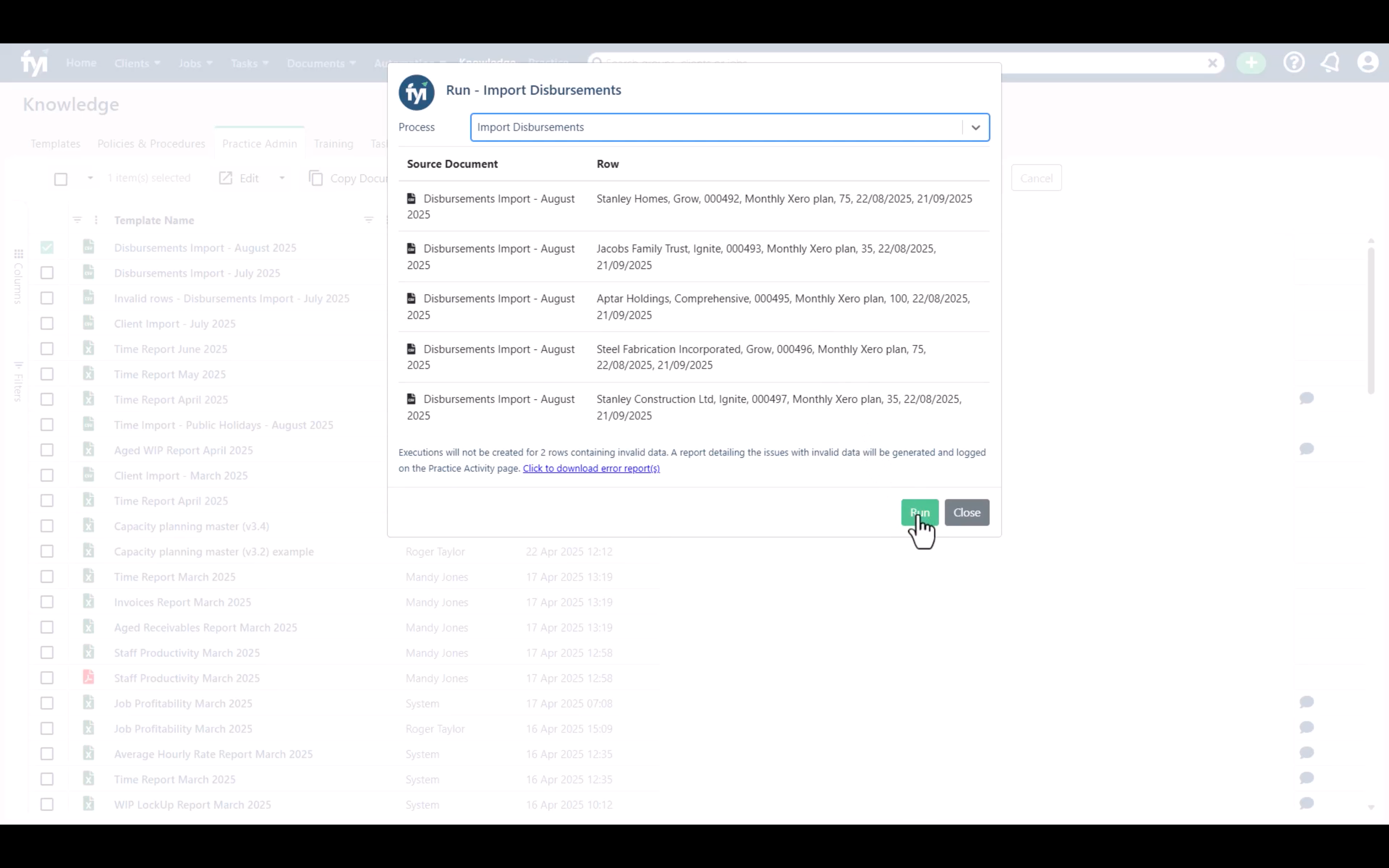
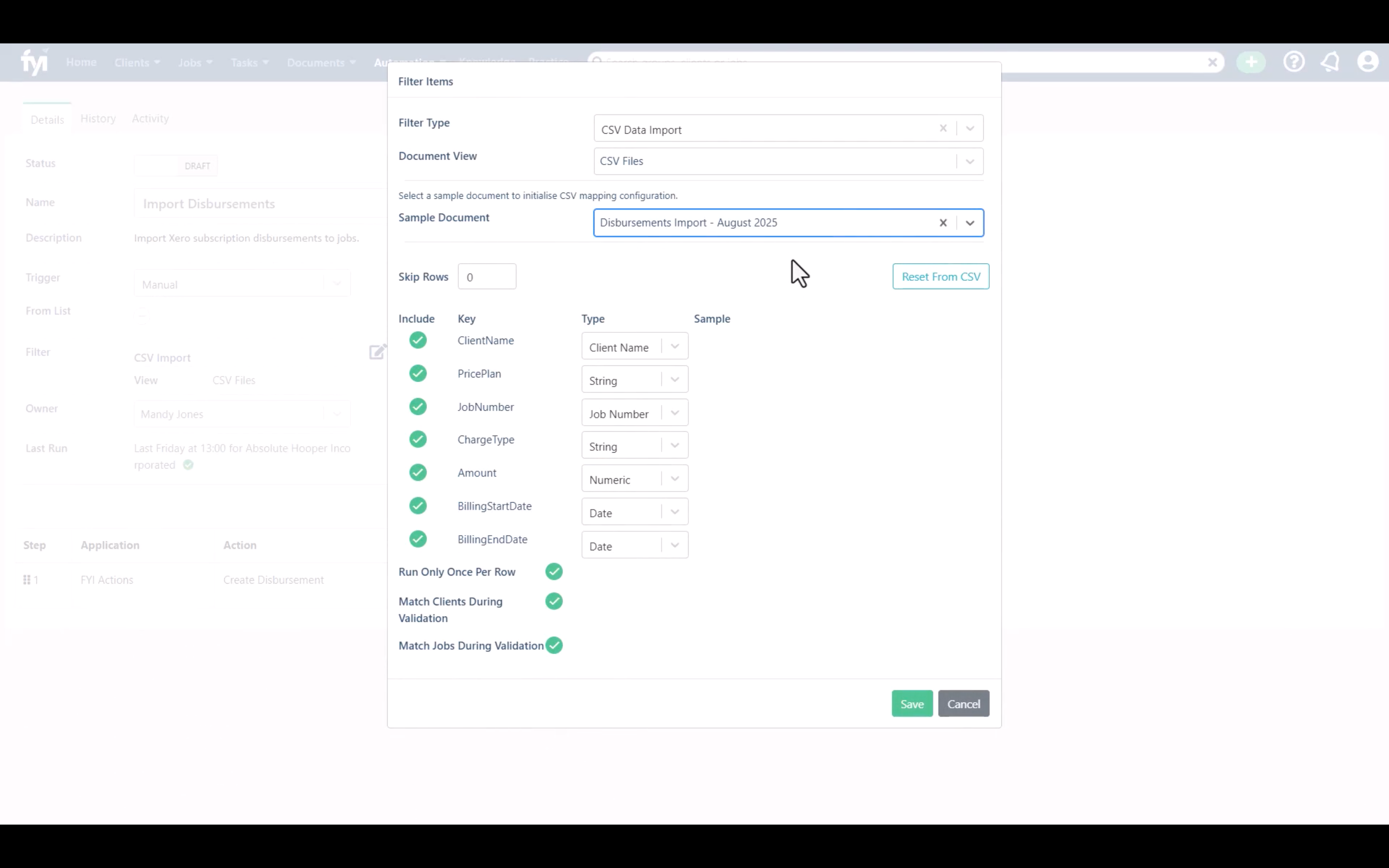
These screen shots are taken from the FYI
Process Automation Tutorial: Importing Disbursements using Automations (v1.0)
You can find the link to the video here... https://vimeo.com/1103662435?fl=pl&fe=cm
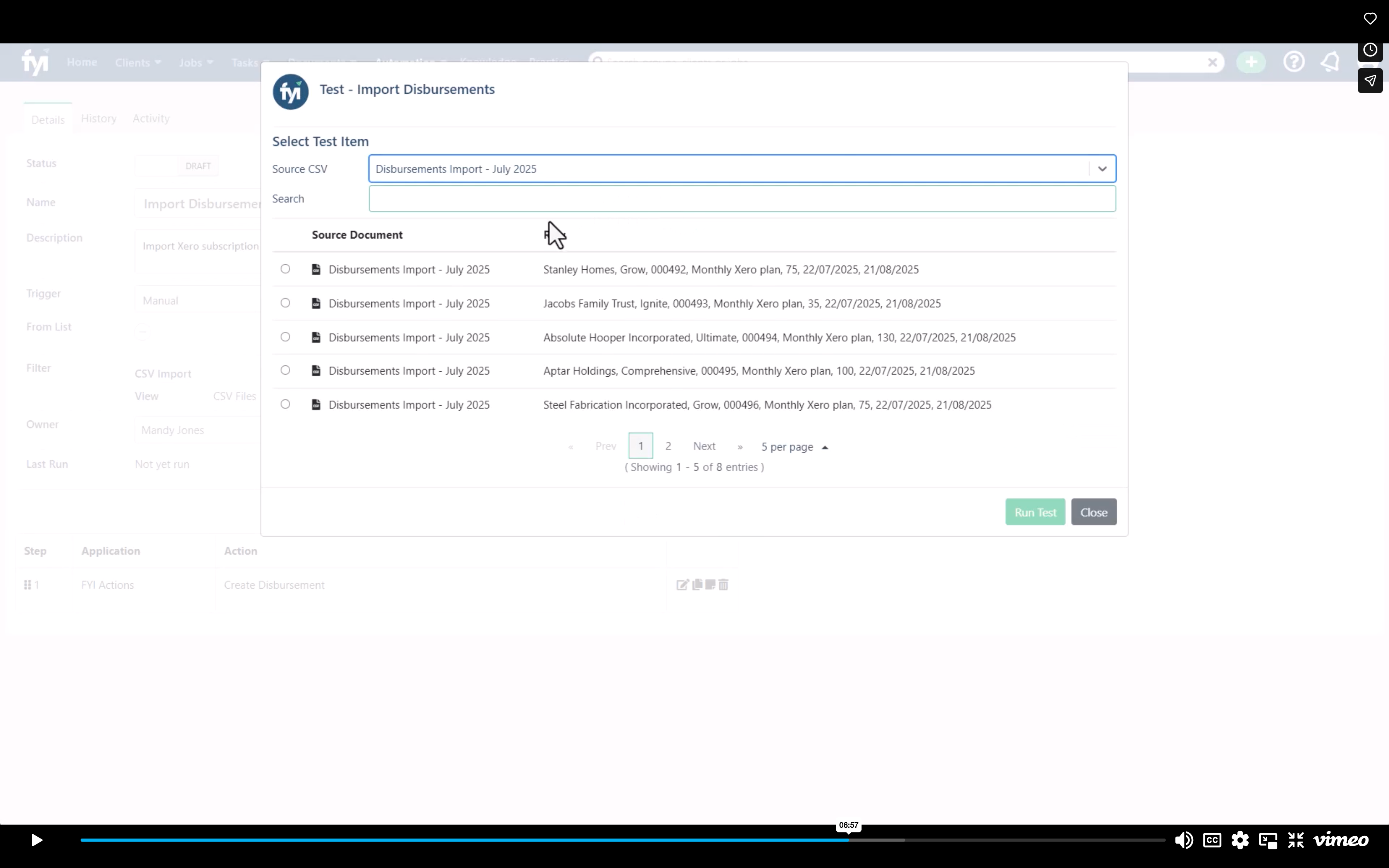
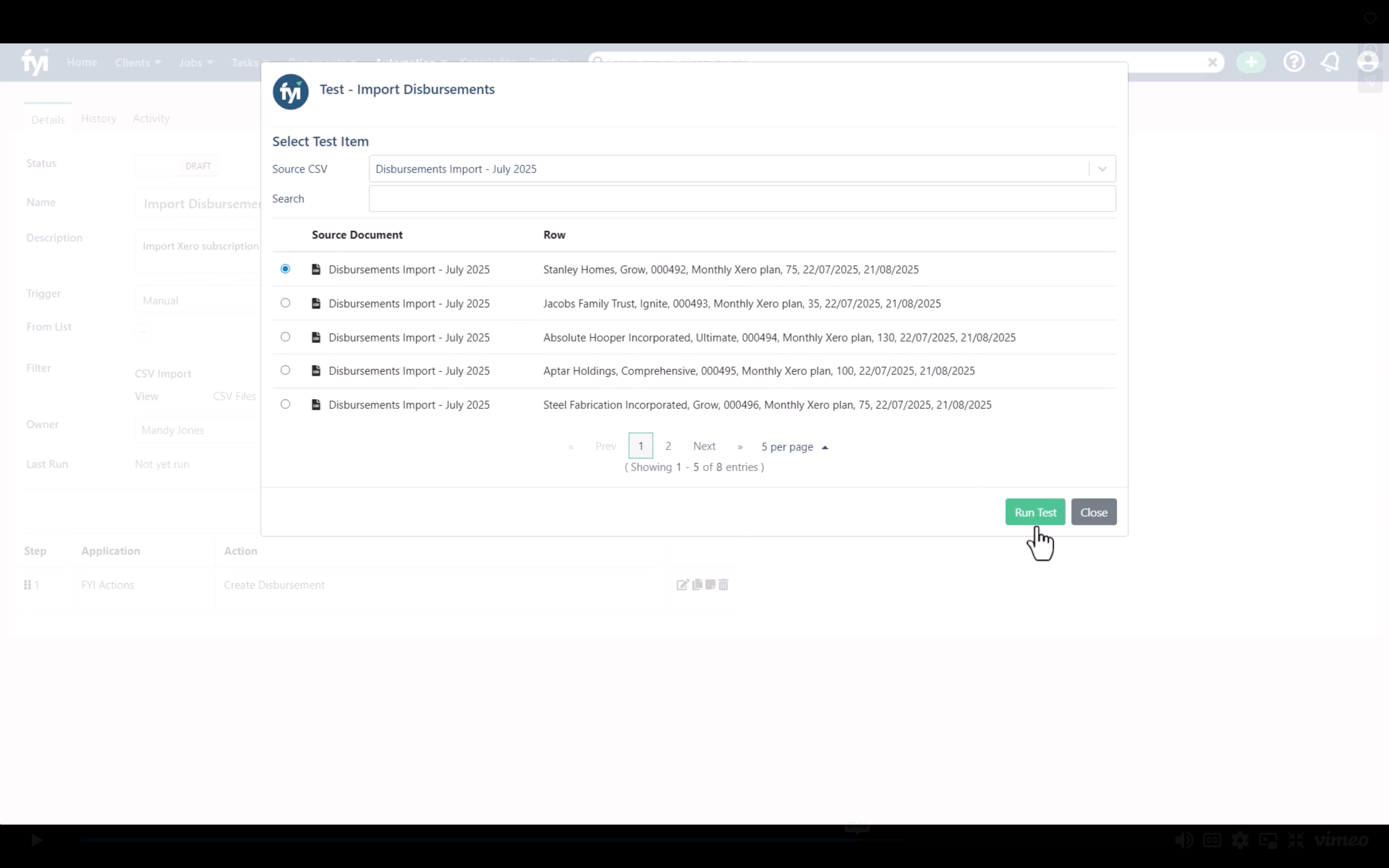
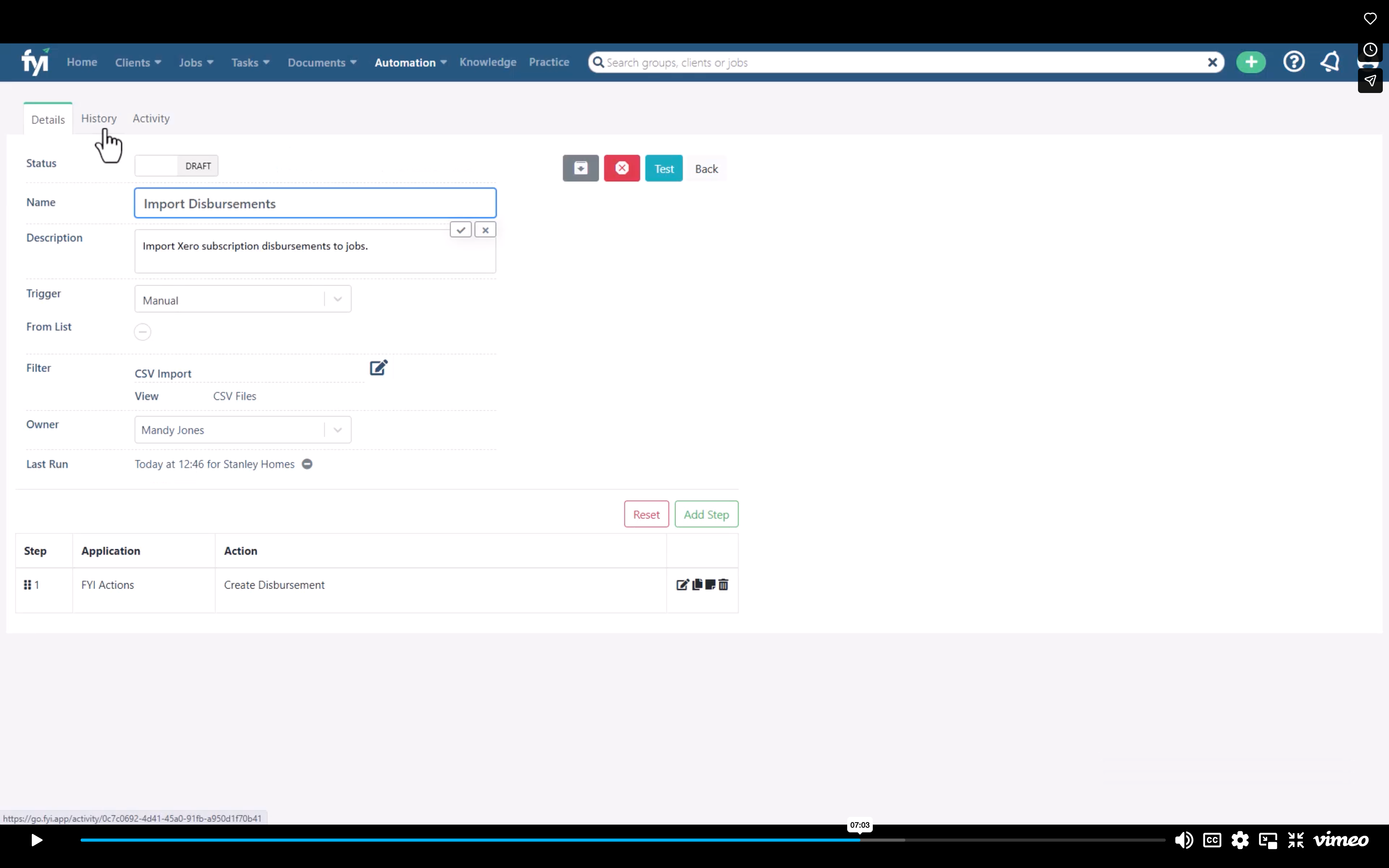
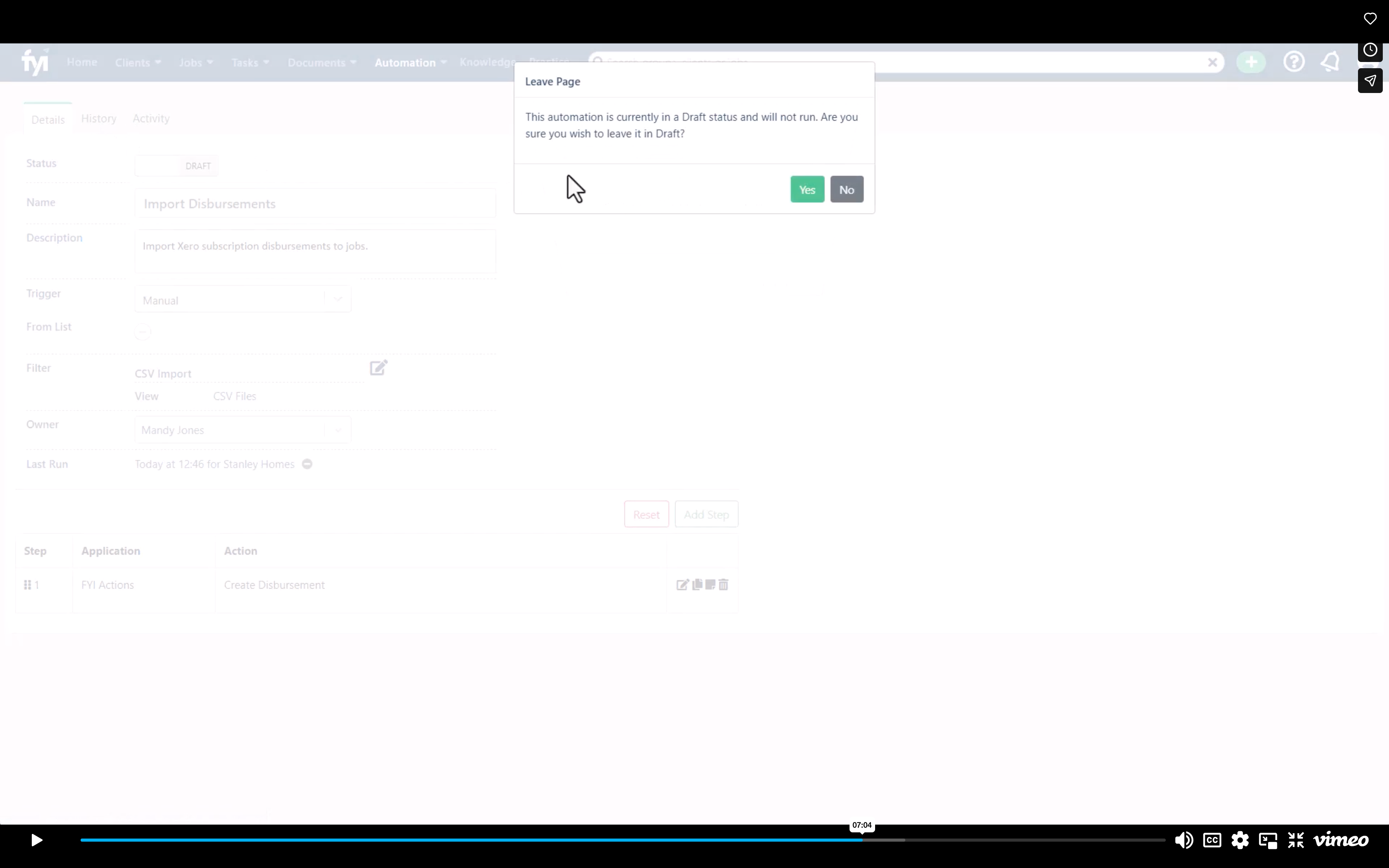
You should open the Vimeo video and pause it and then step through each step here but if you get stuck the time shows where in the video you can go to listen to the audio if you need further context from the narrator.
Step 1.
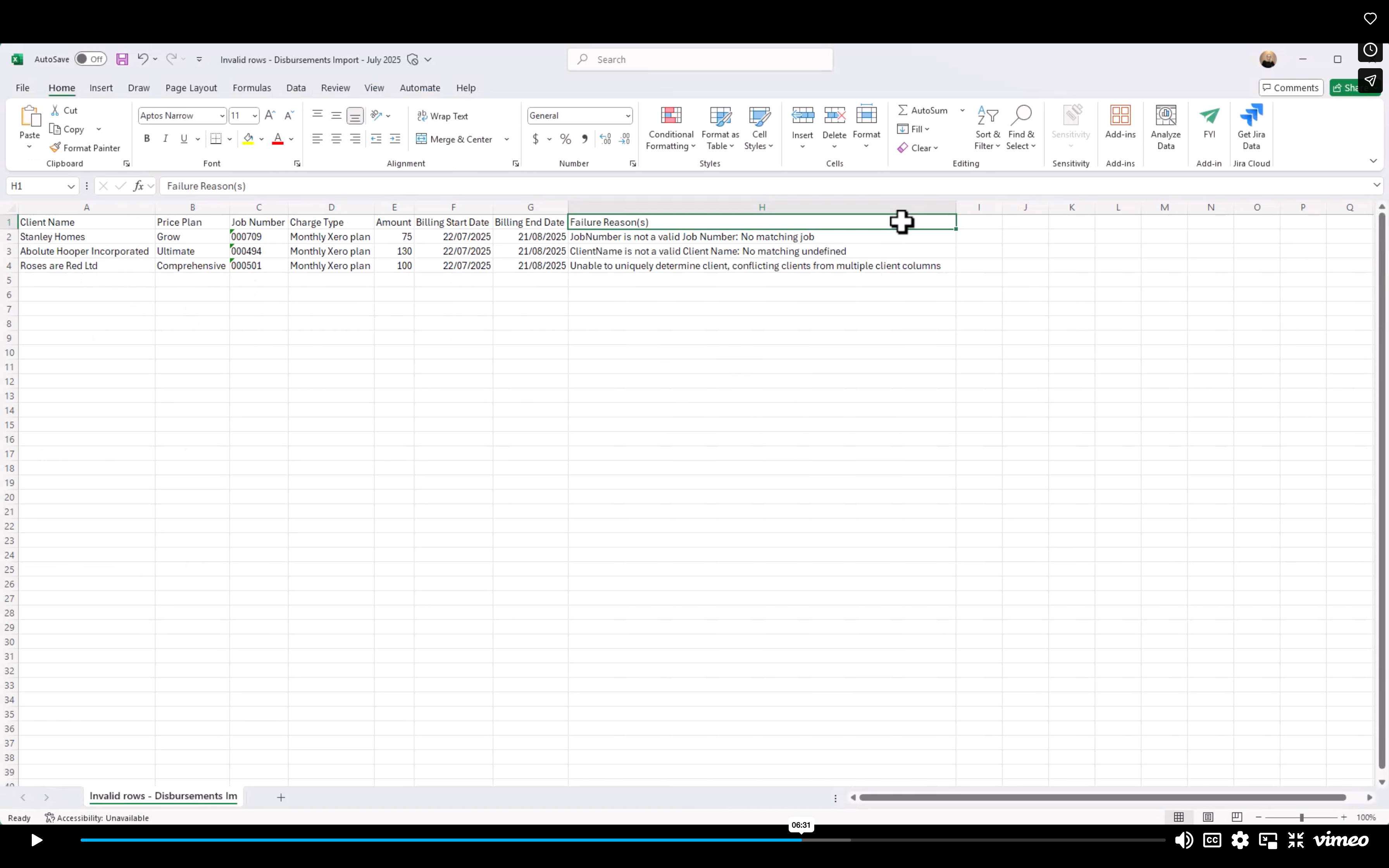
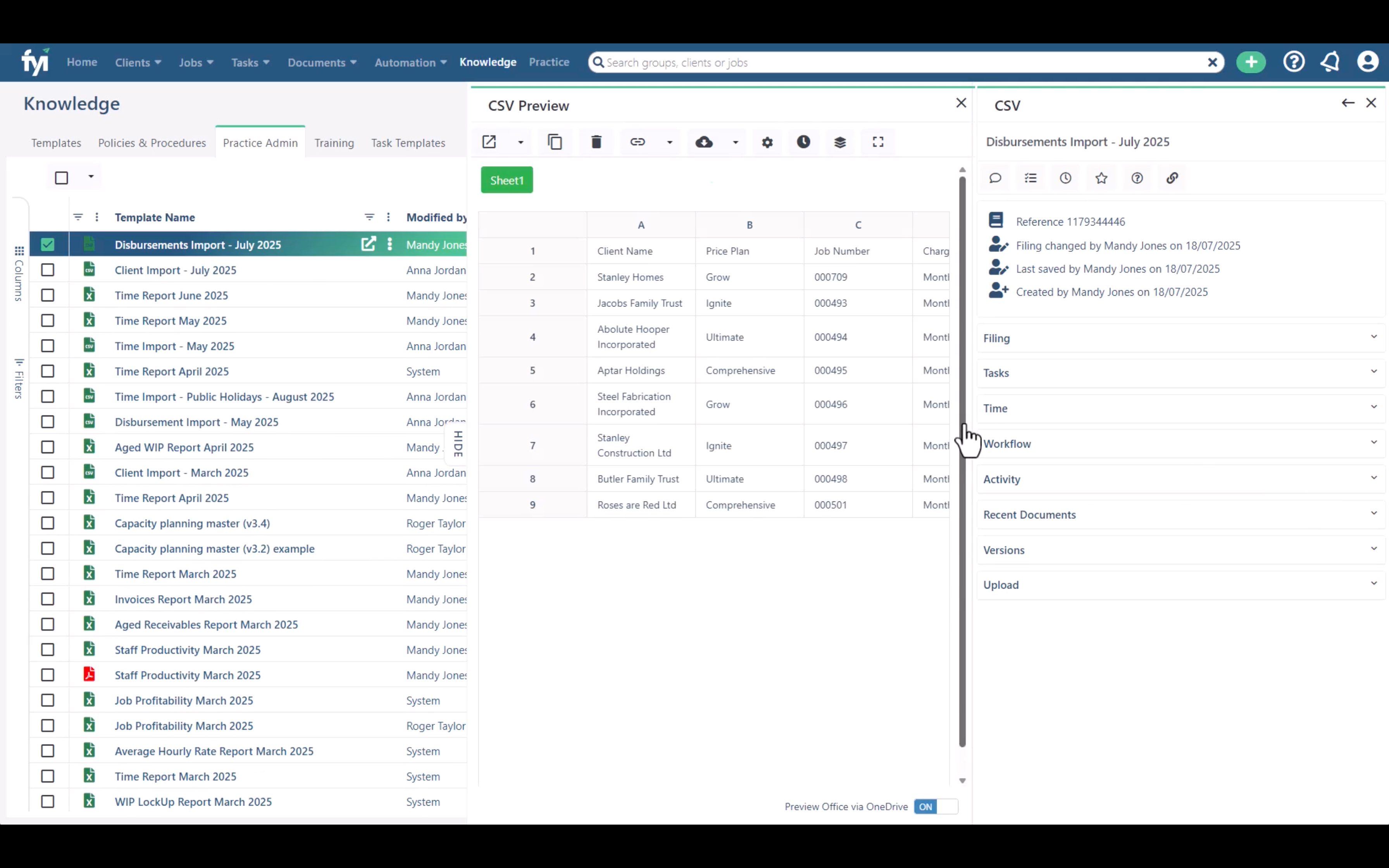
Your CSV file should look something like this..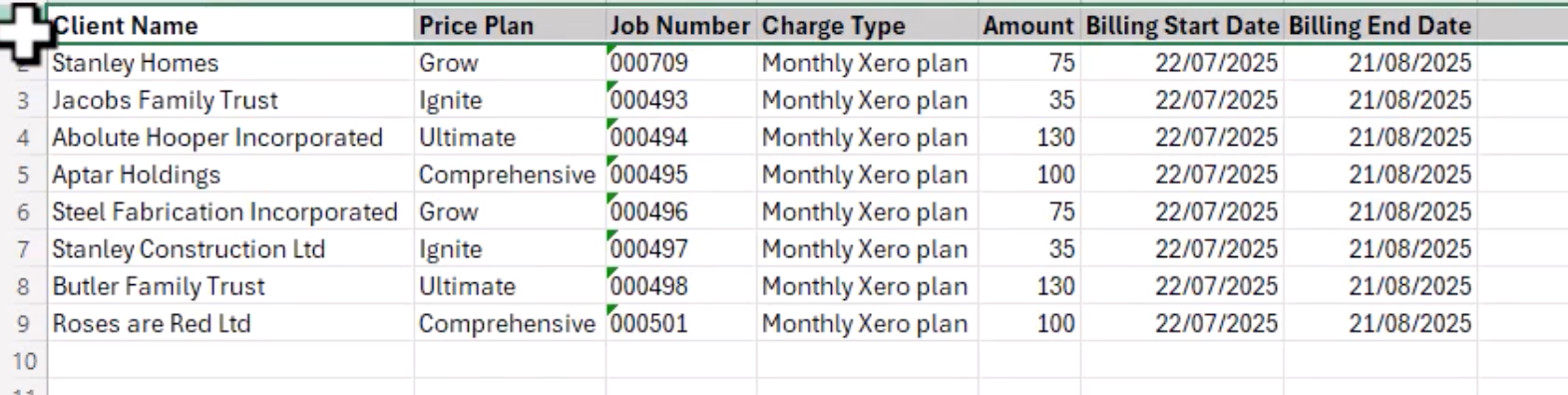
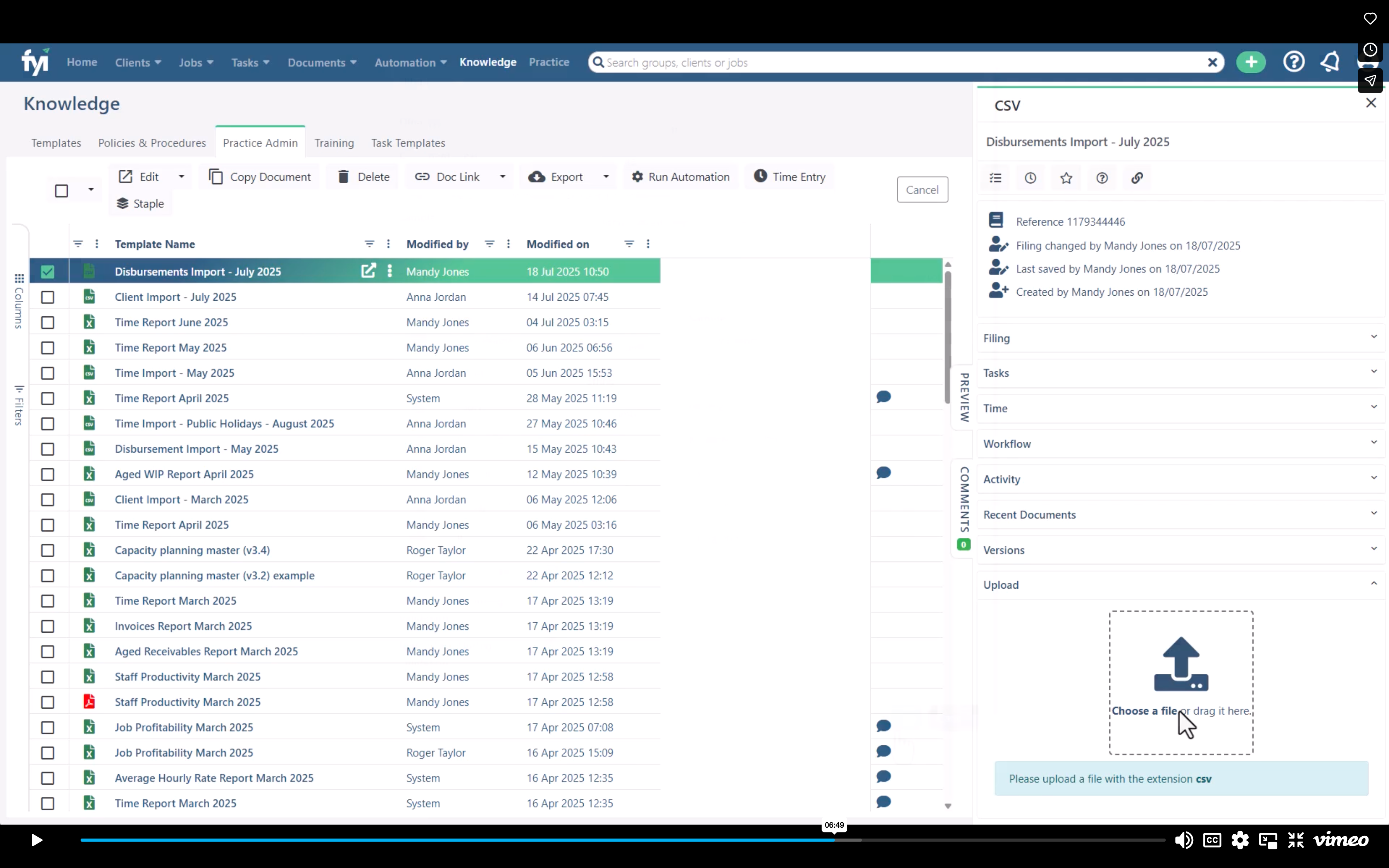
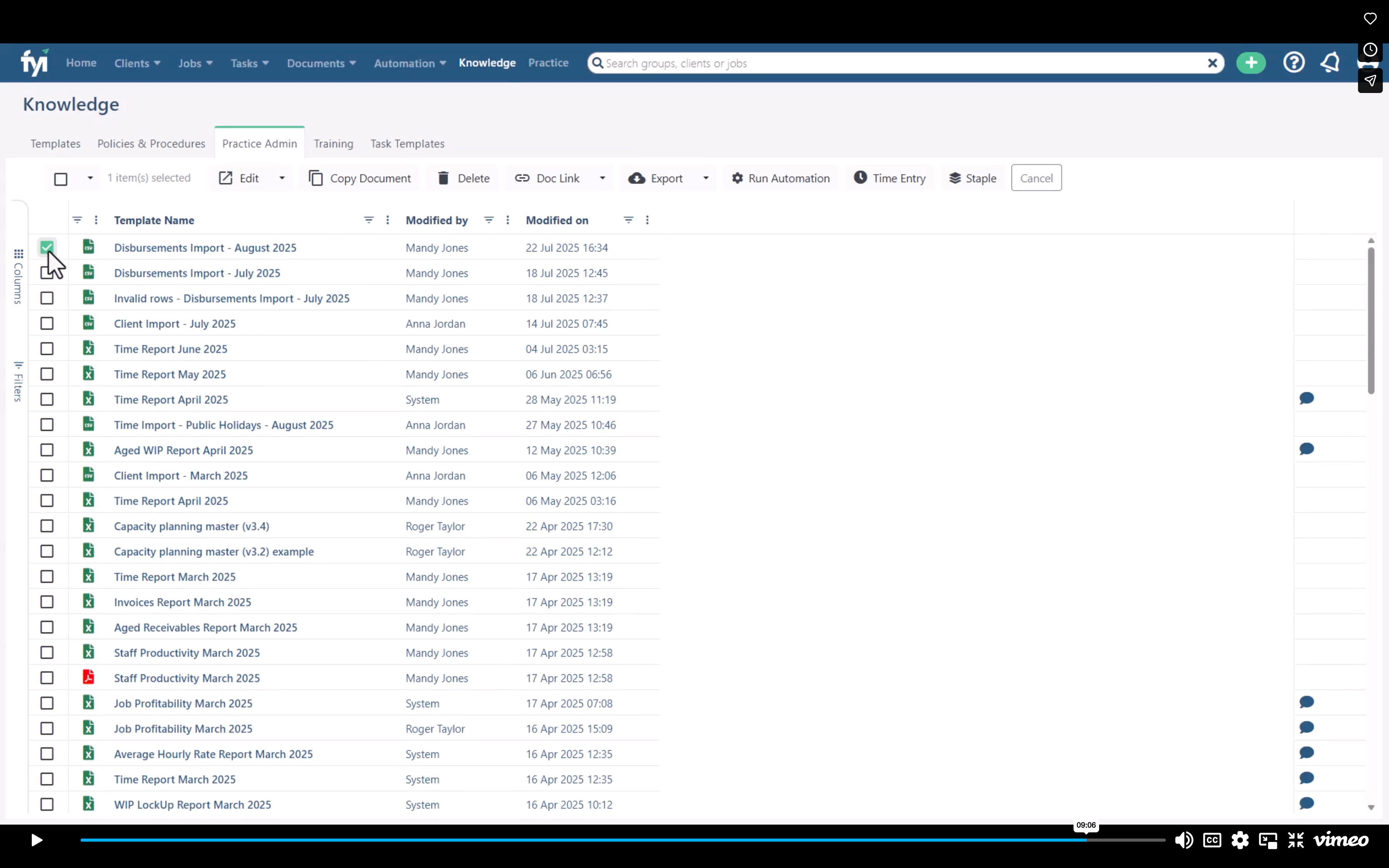
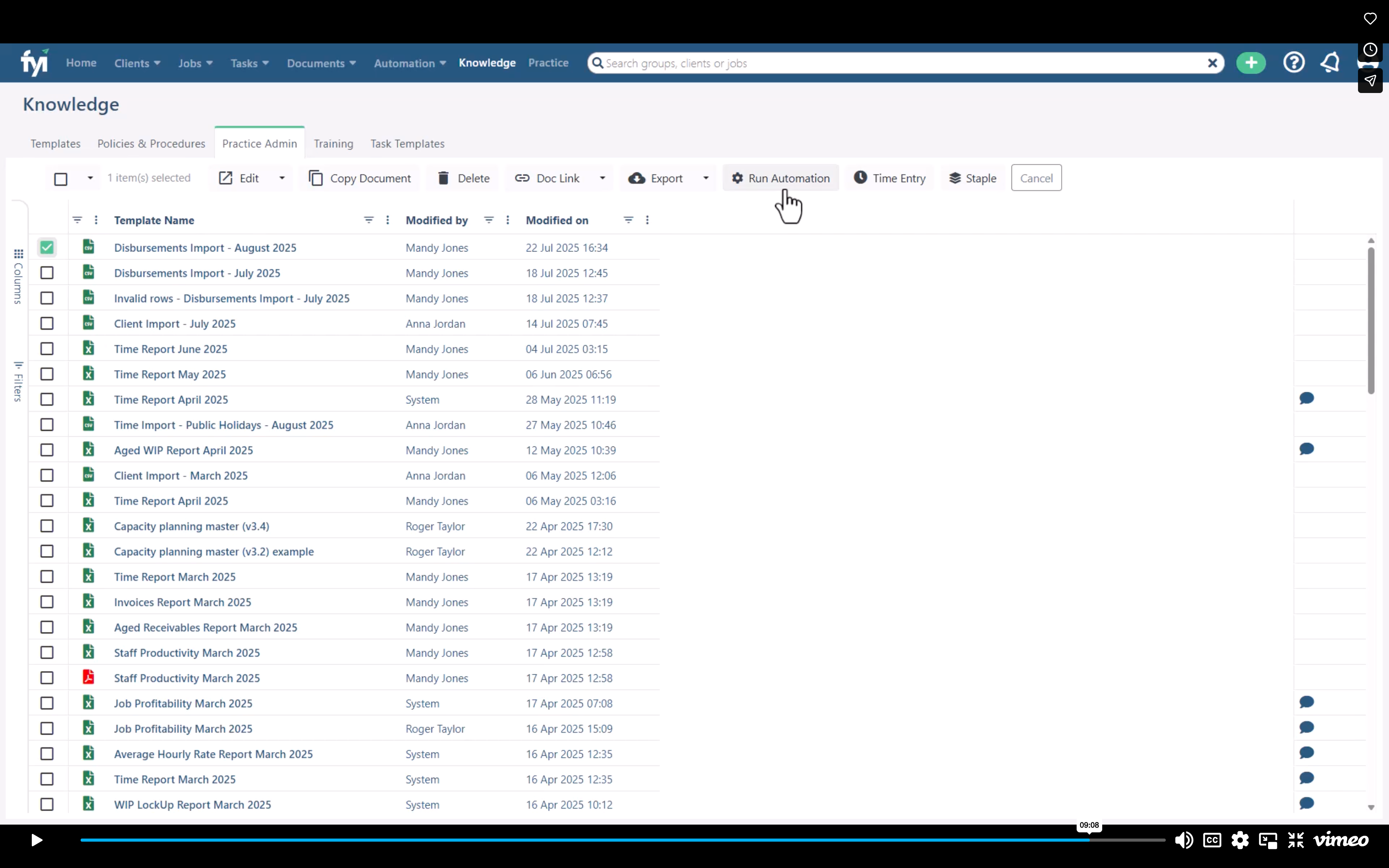
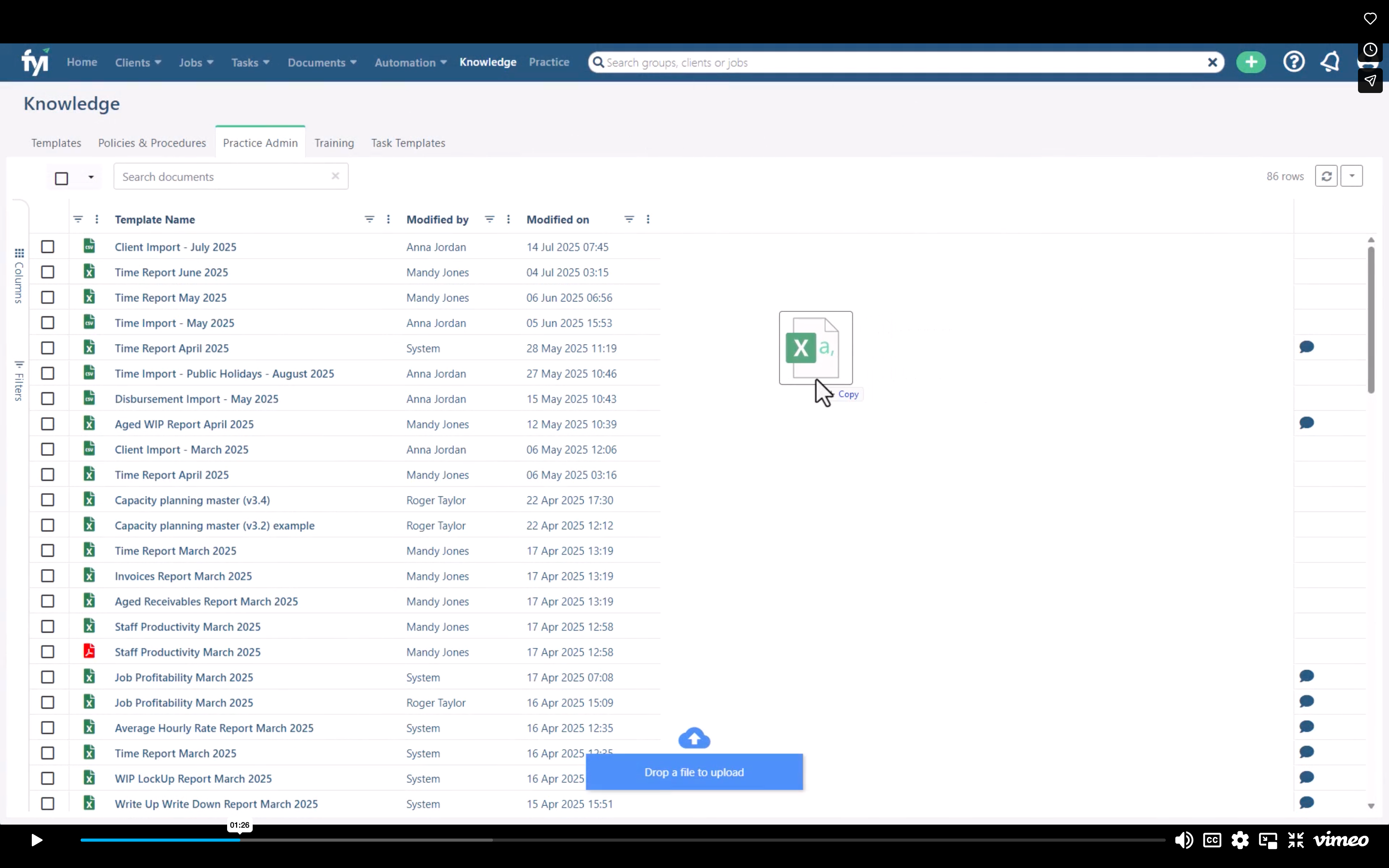
Open FYI - Knowledge cabinet - click on Practice Admin tab and selct your CSV file to import...
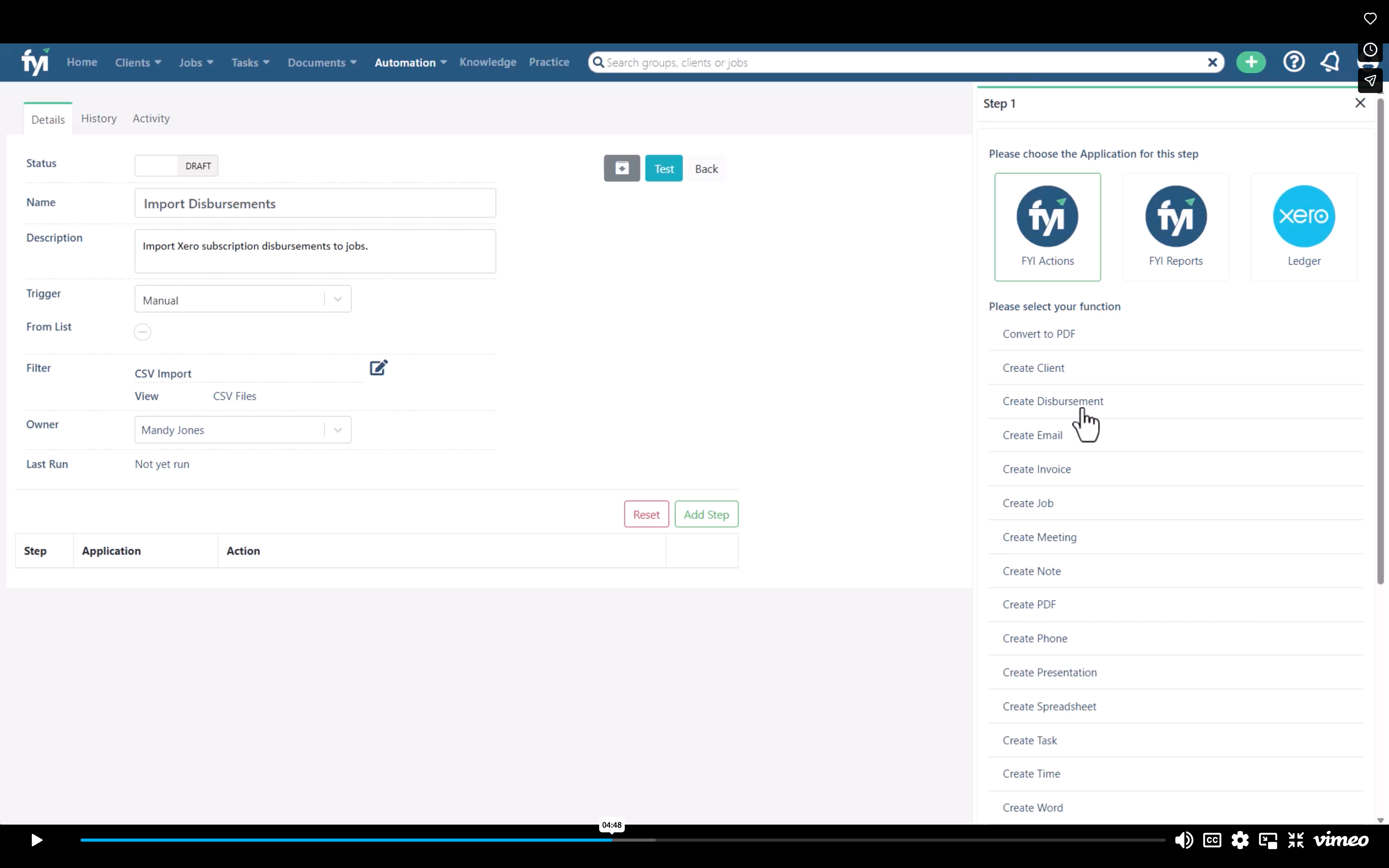
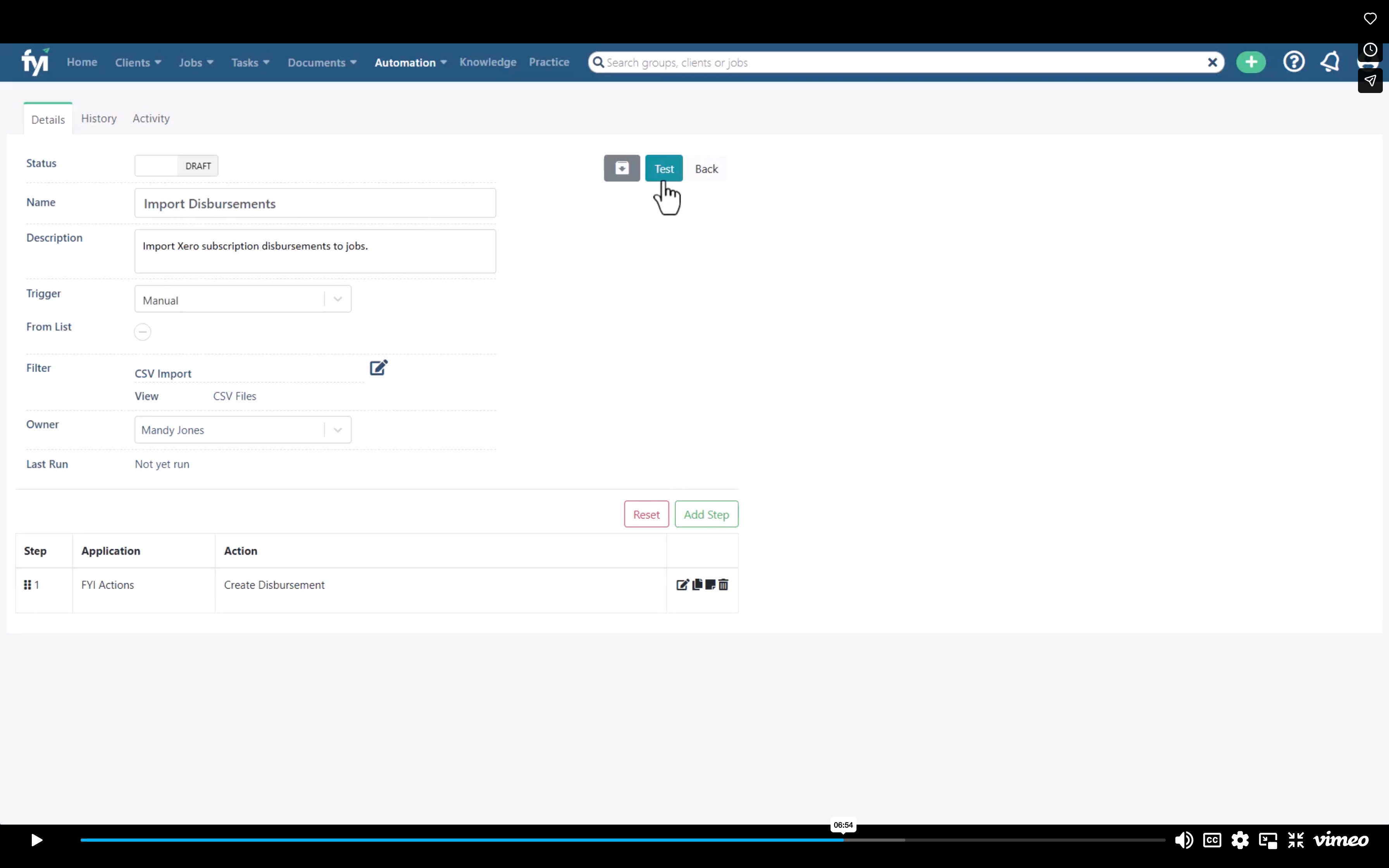
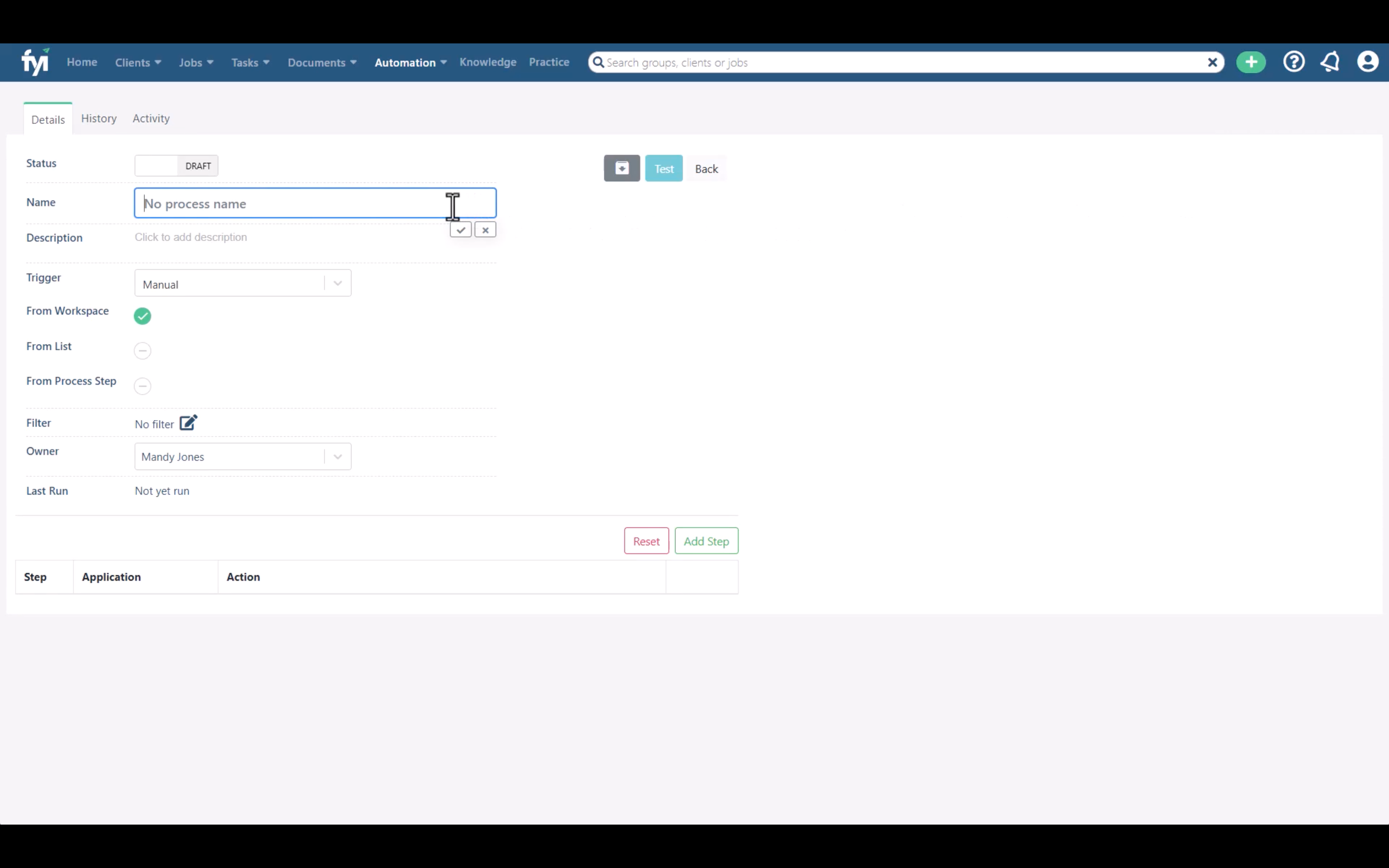
Add Custom Process
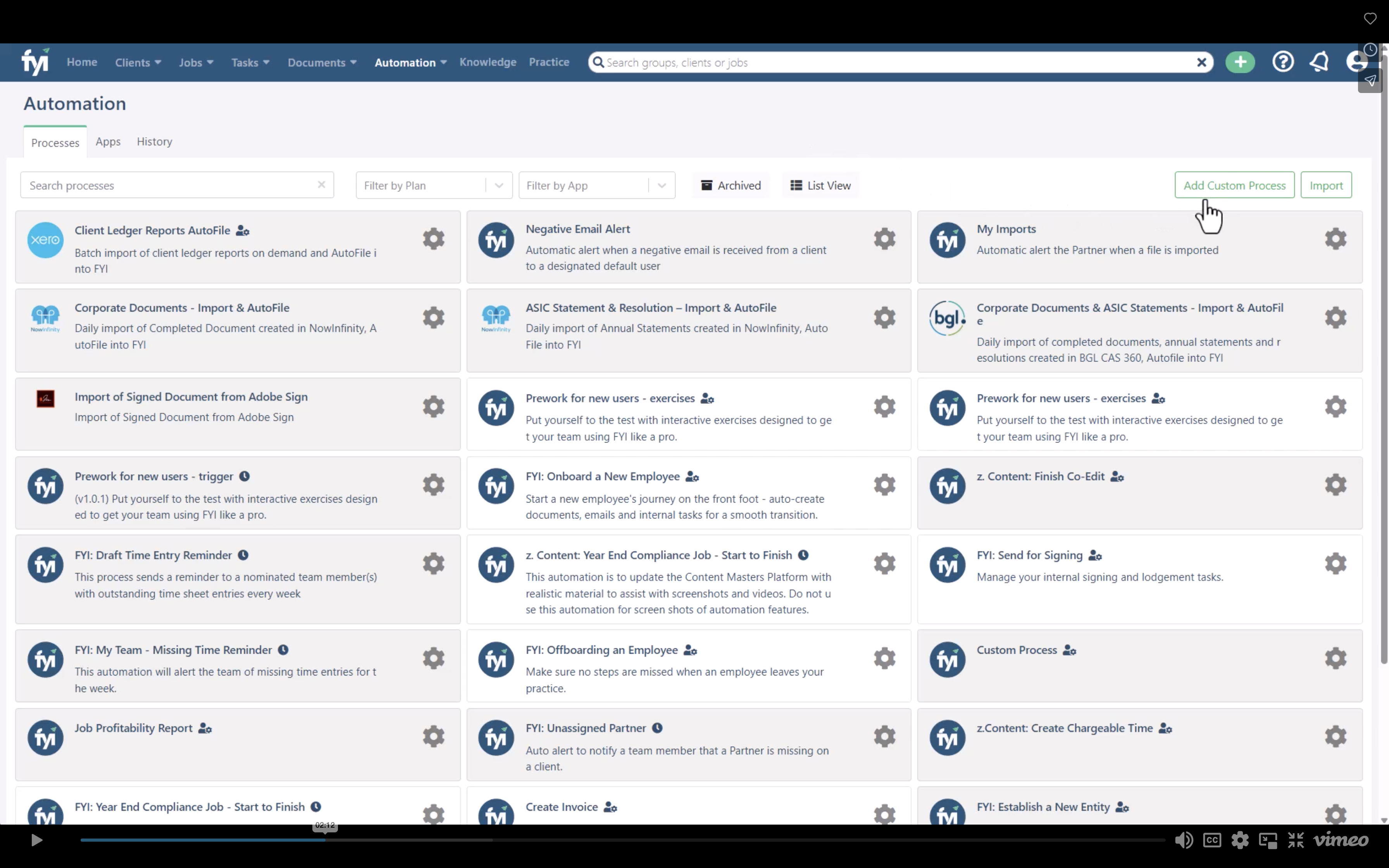
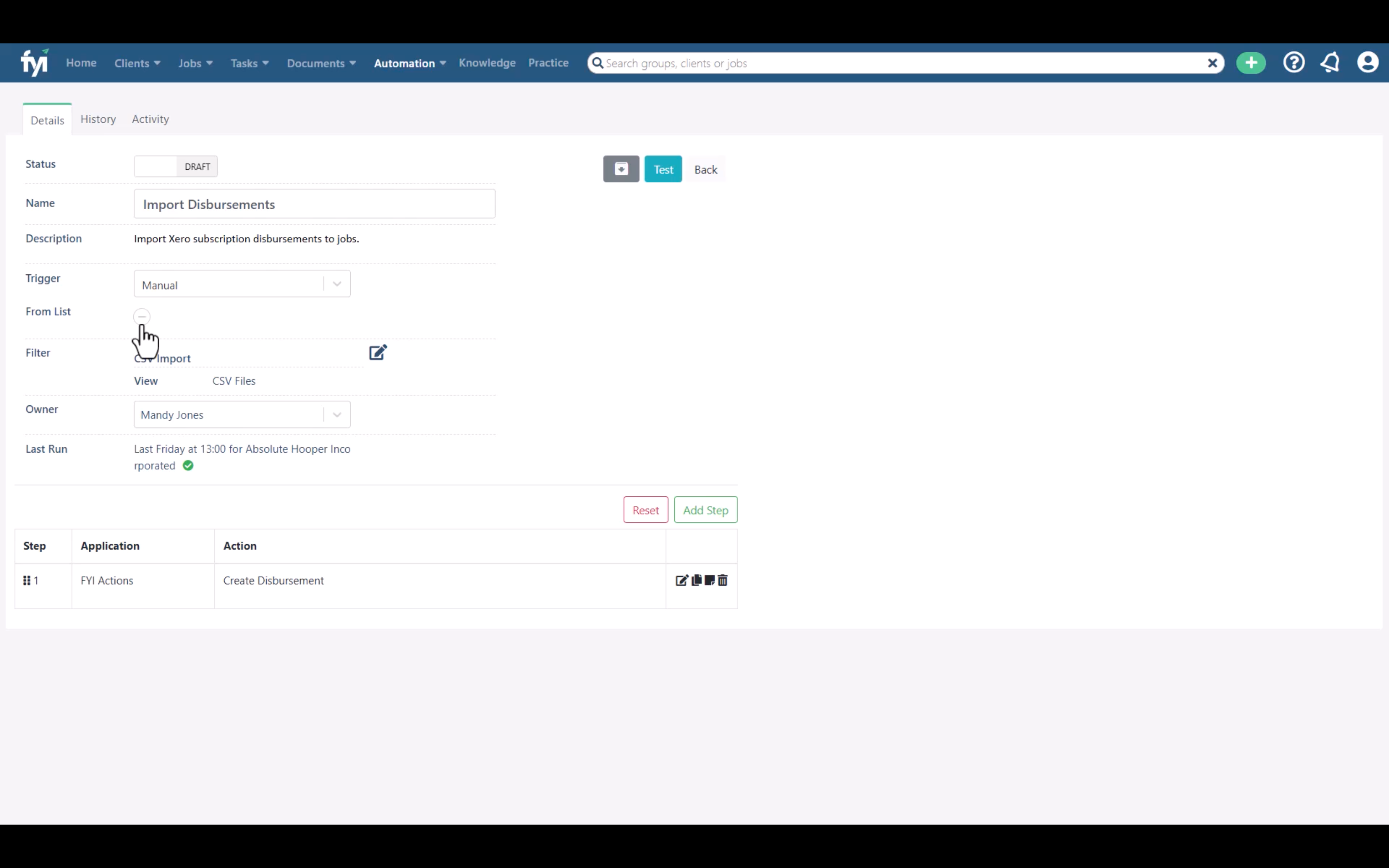
Give the process a name...
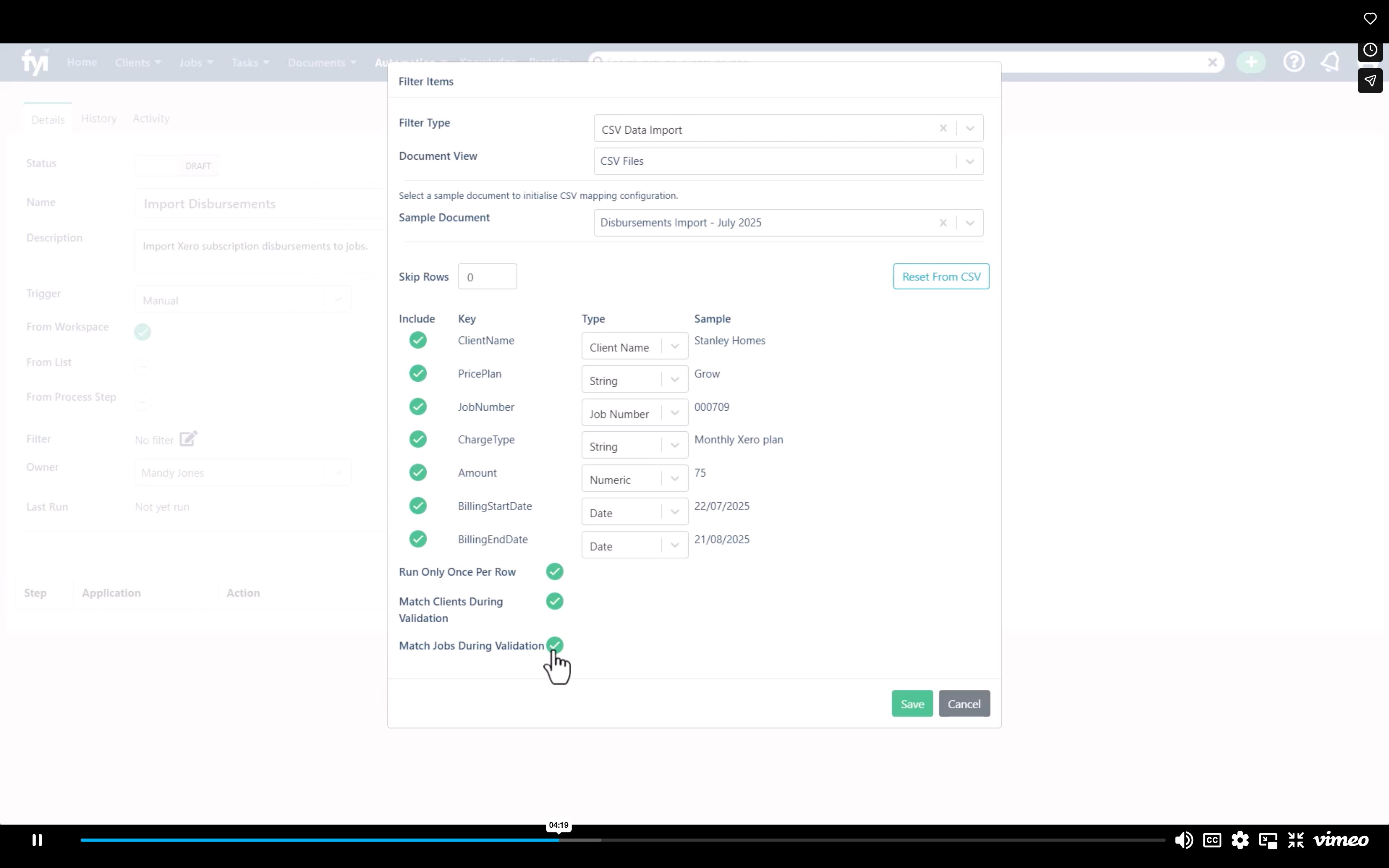
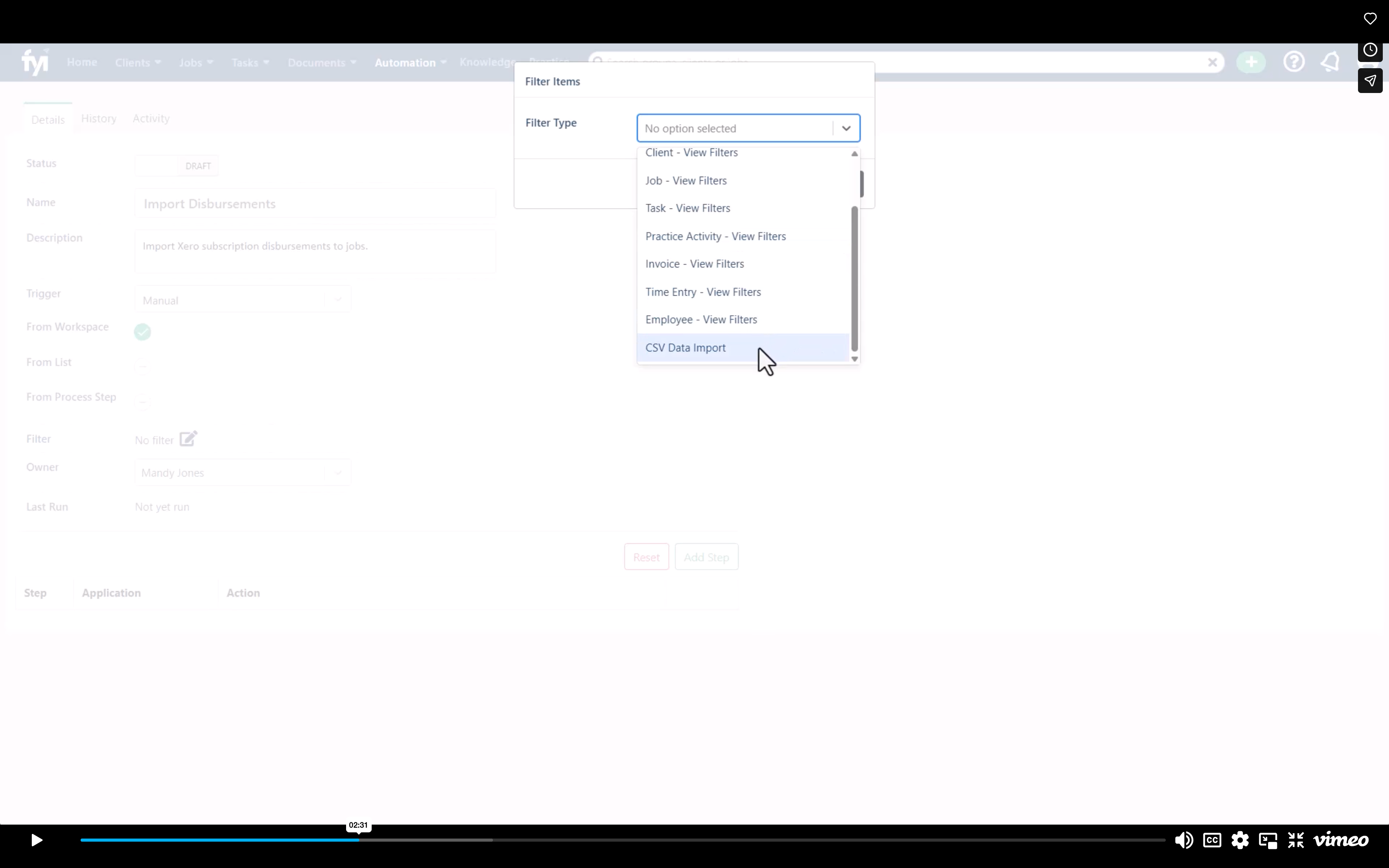
Select CSV import
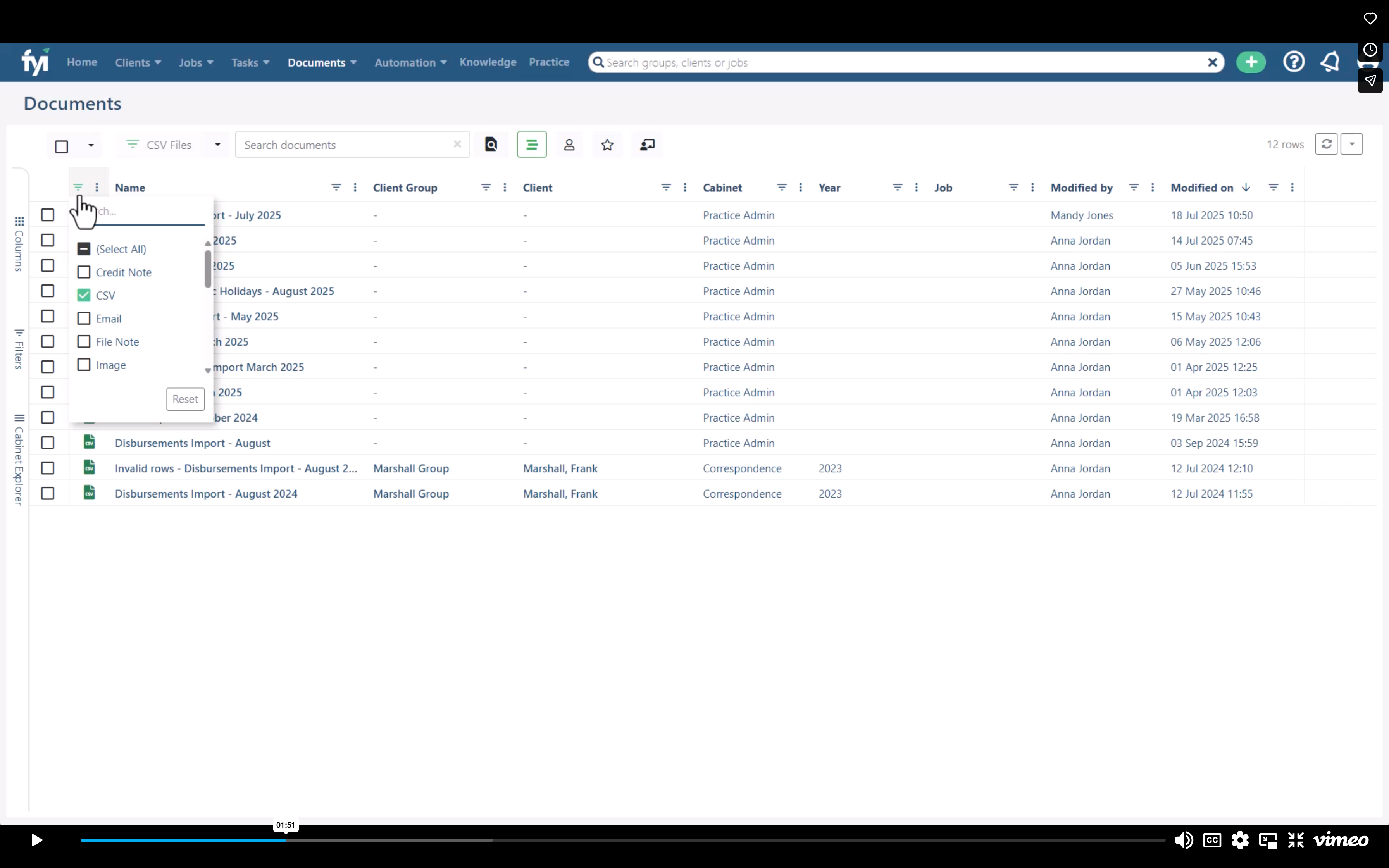
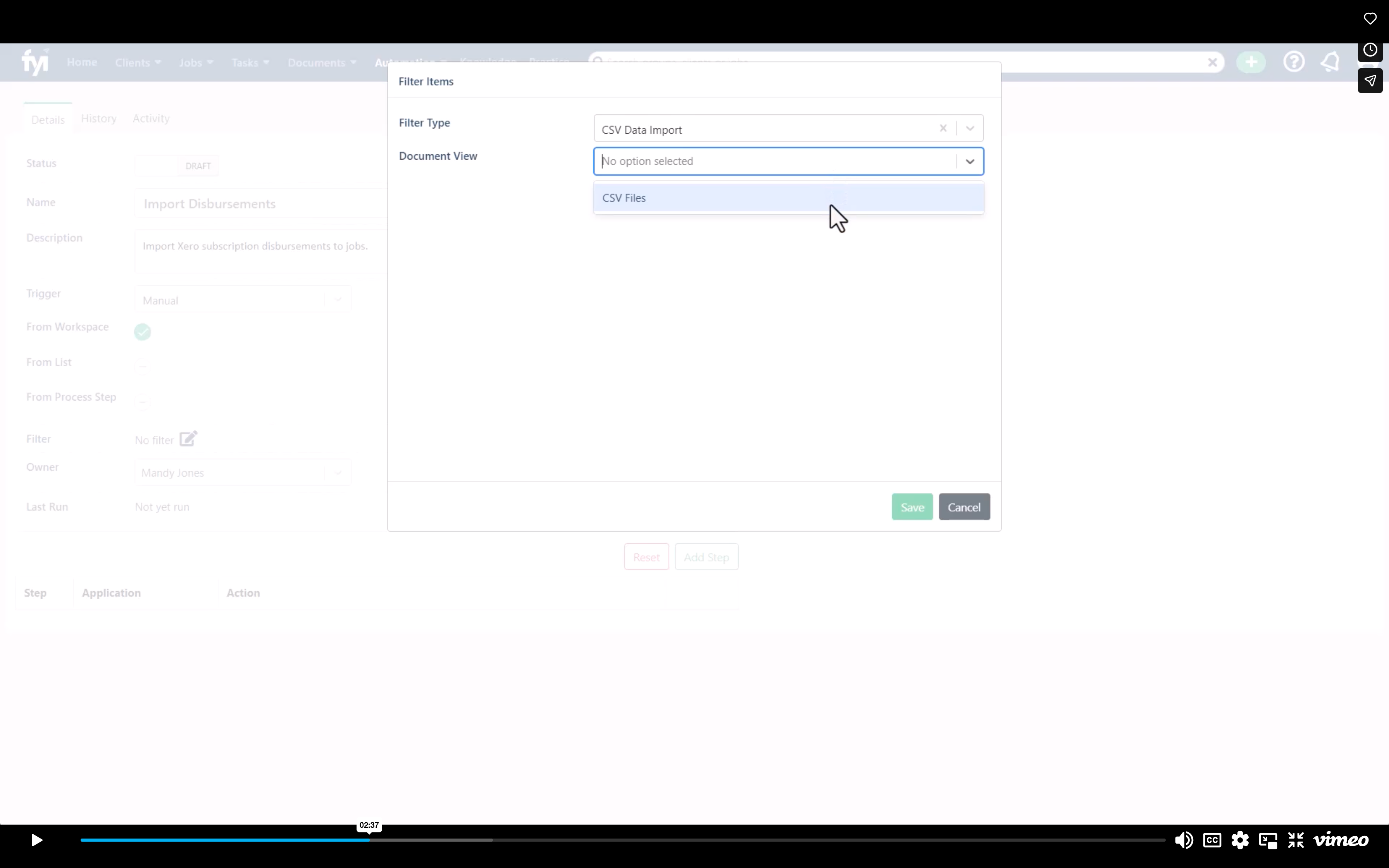
Show CSV Files
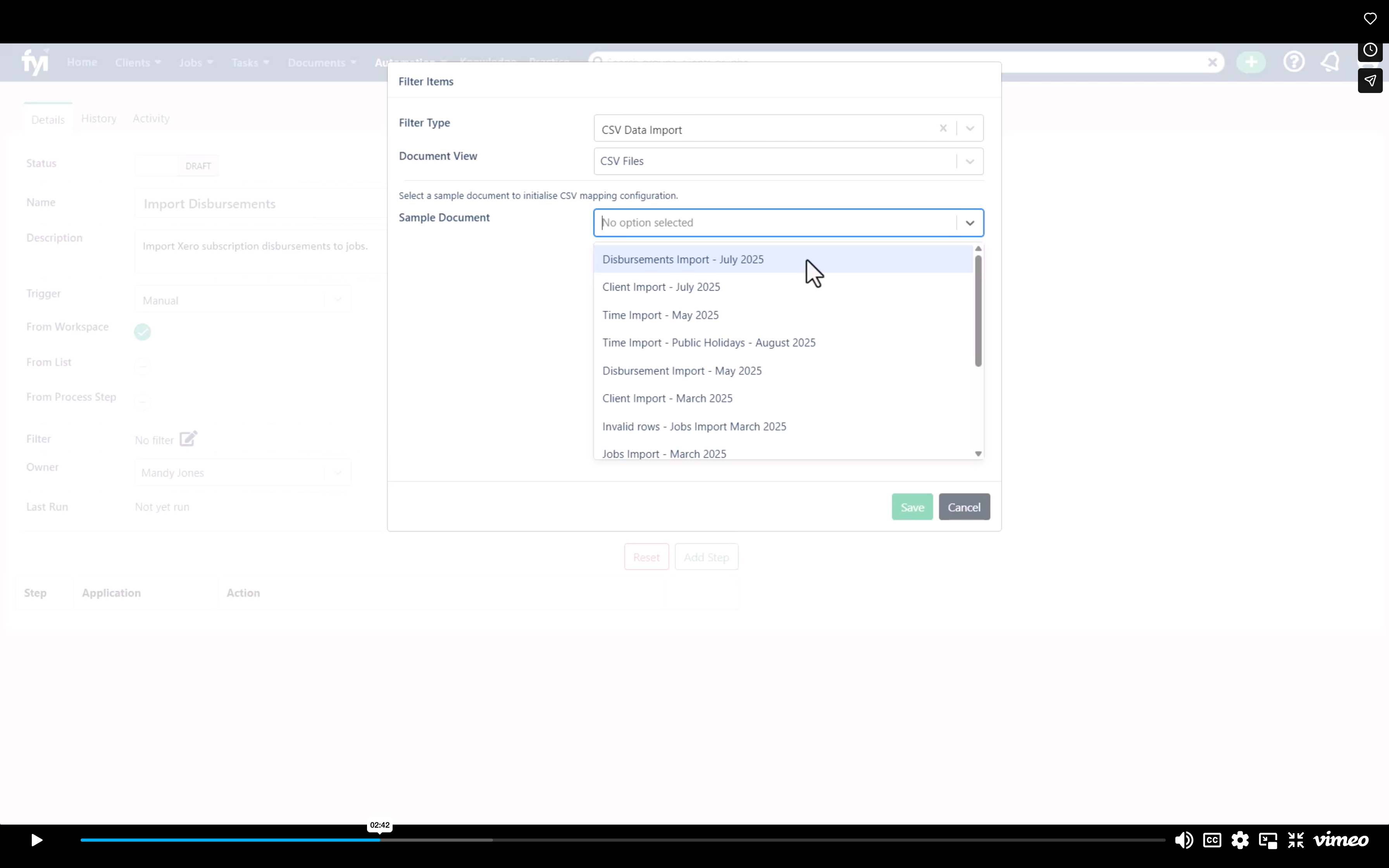
Select the CSV file
Click Reset from CSV
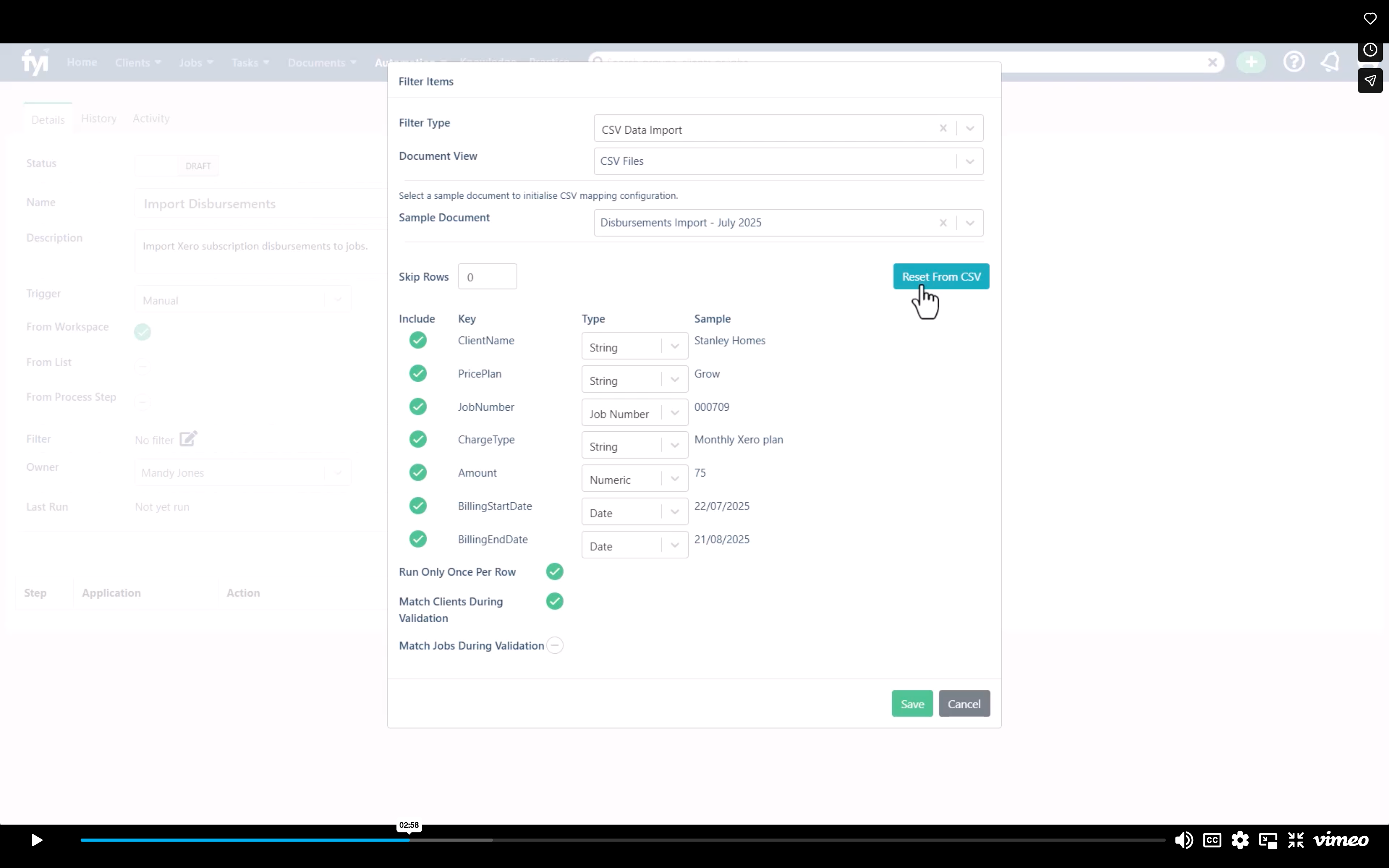
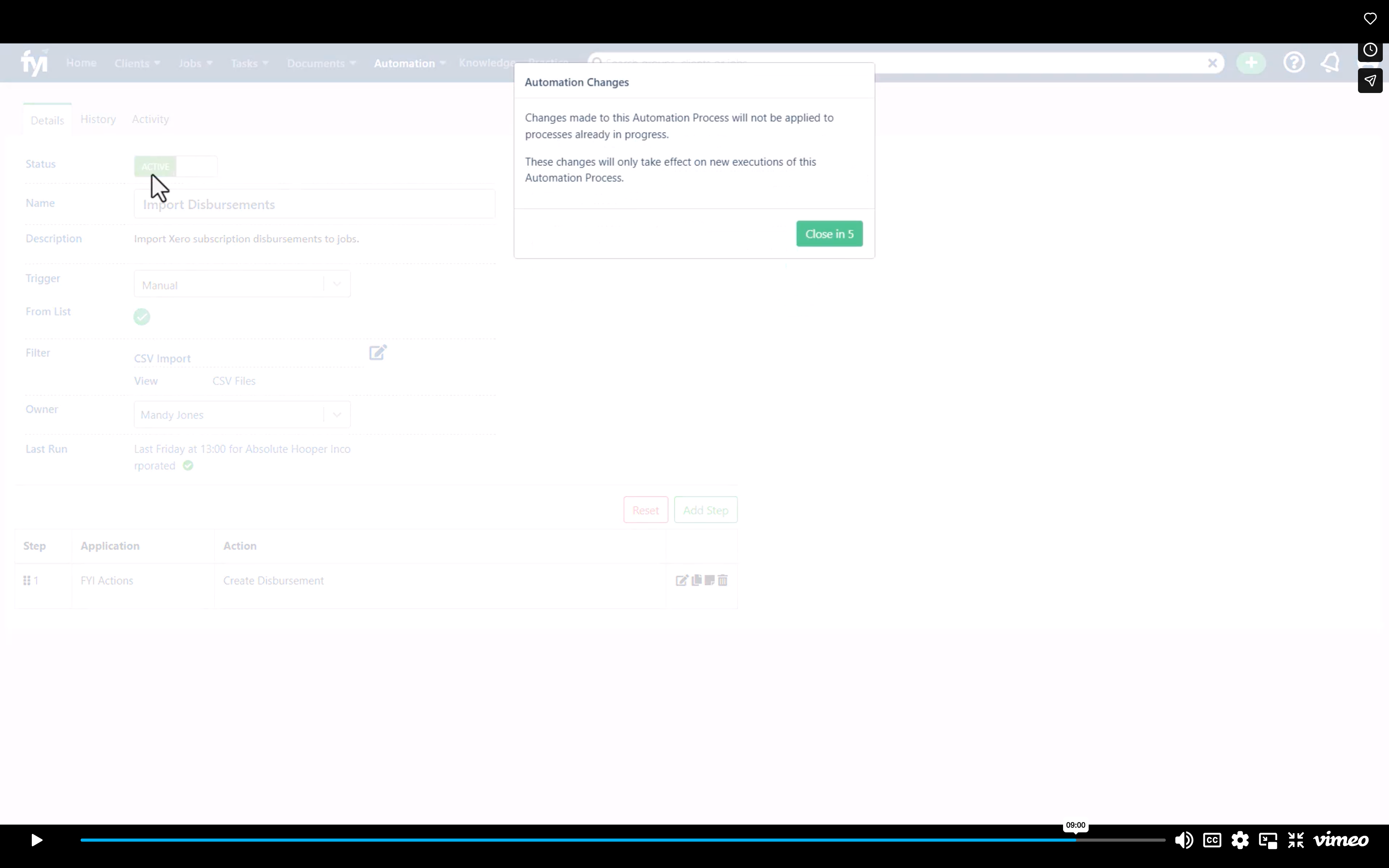
Ensure these are all ticked