Downloading all your data should be performed in the Control Panel.
Special Note: DO NOT DELETE the organisation from Control-C until you have downloaded and confirmed you have all the data that you may require. We recommend In-Control - NexGen backapp to review and verify your data -you can download the utility from the In-Control.cloud website.
1. Go to My Backups and select the latest version of backup.
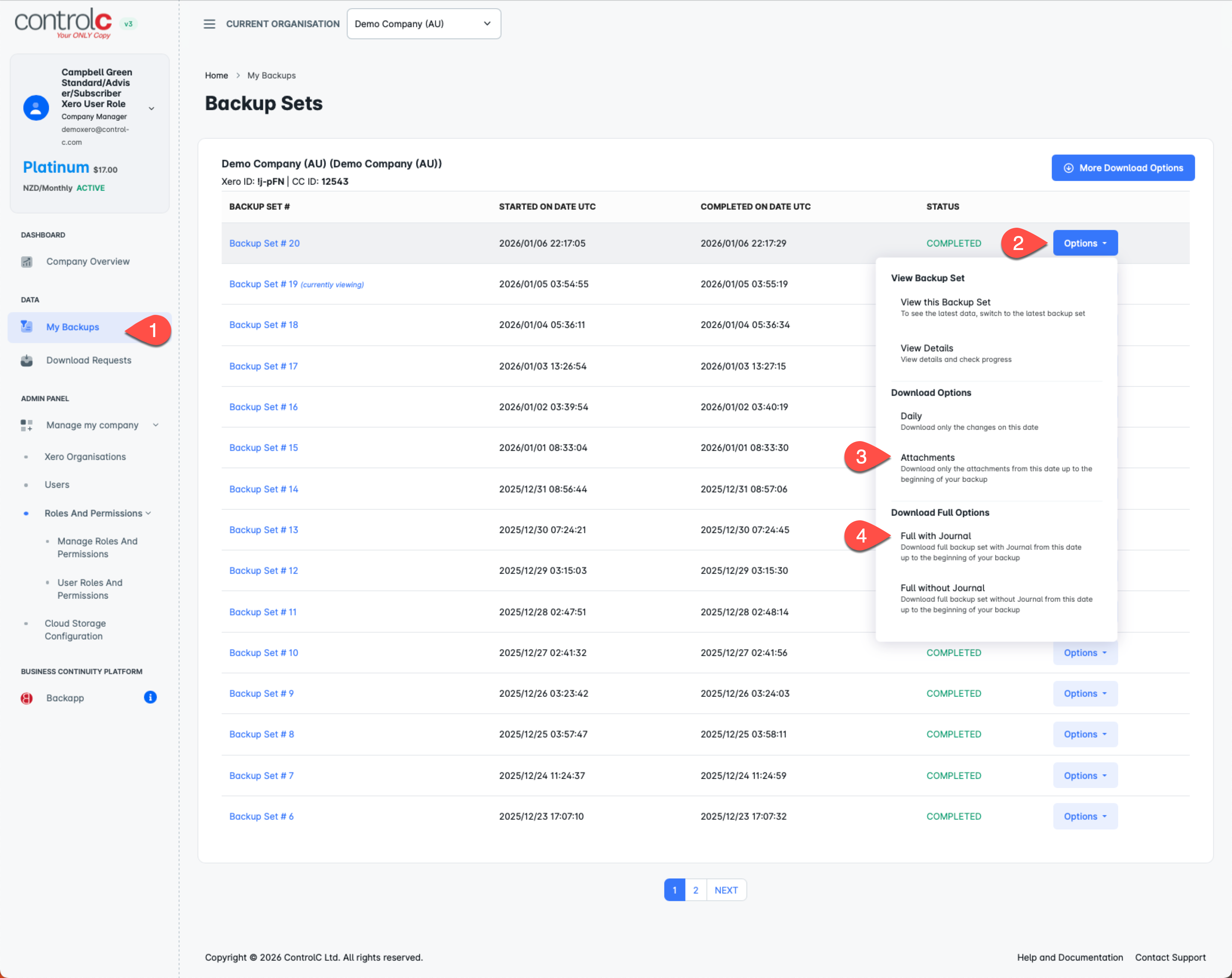
2. First make sure you download the Attachments (3) - there are IMPORTANT steps to do here.
You should first check your Attachment Filename setting (see below). First Export with the Original File Names, then again with the Xero Identifier. You will have two ZIP files at the end of these two steps.
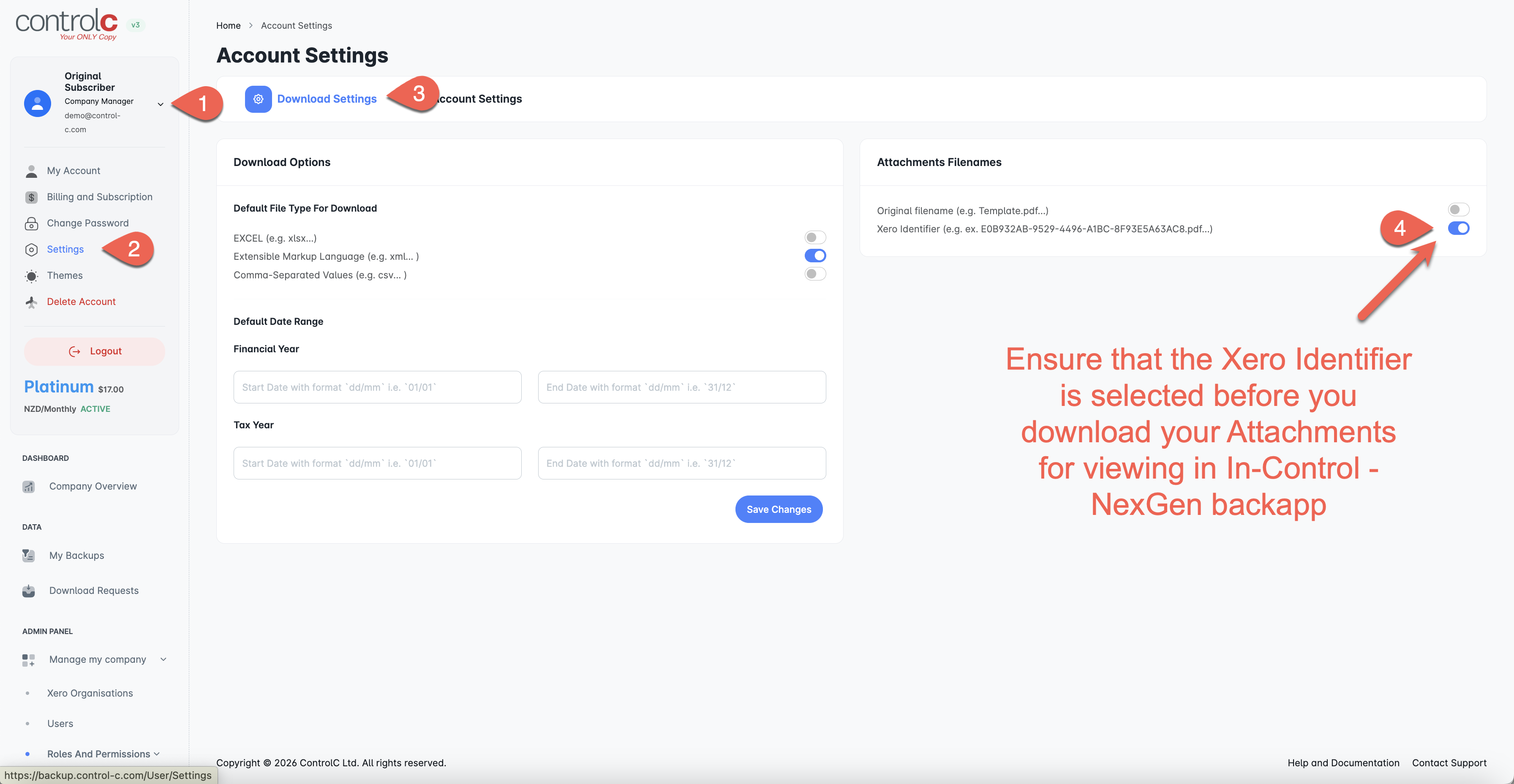
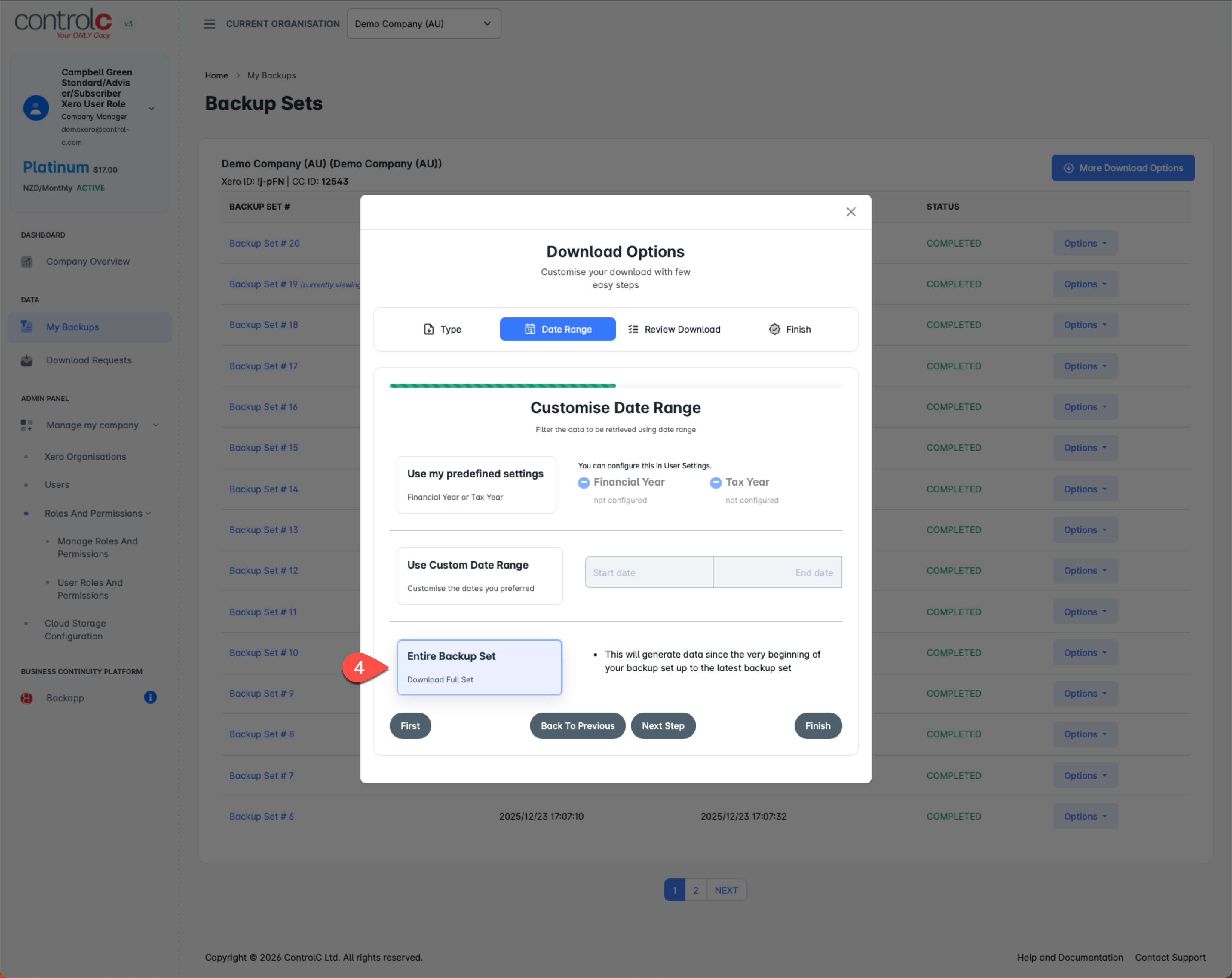
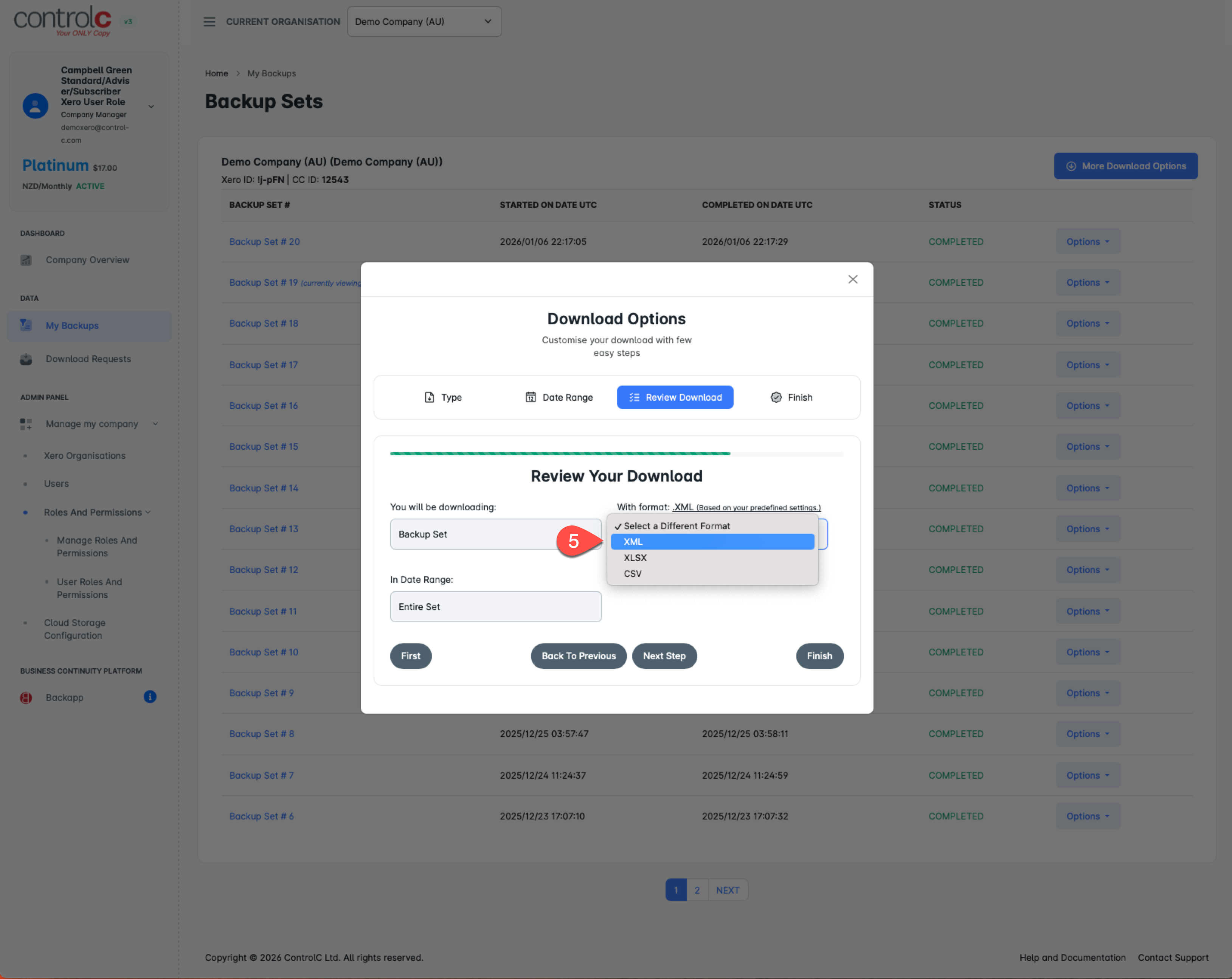
3. ...then download the Full with journal as XML (4)
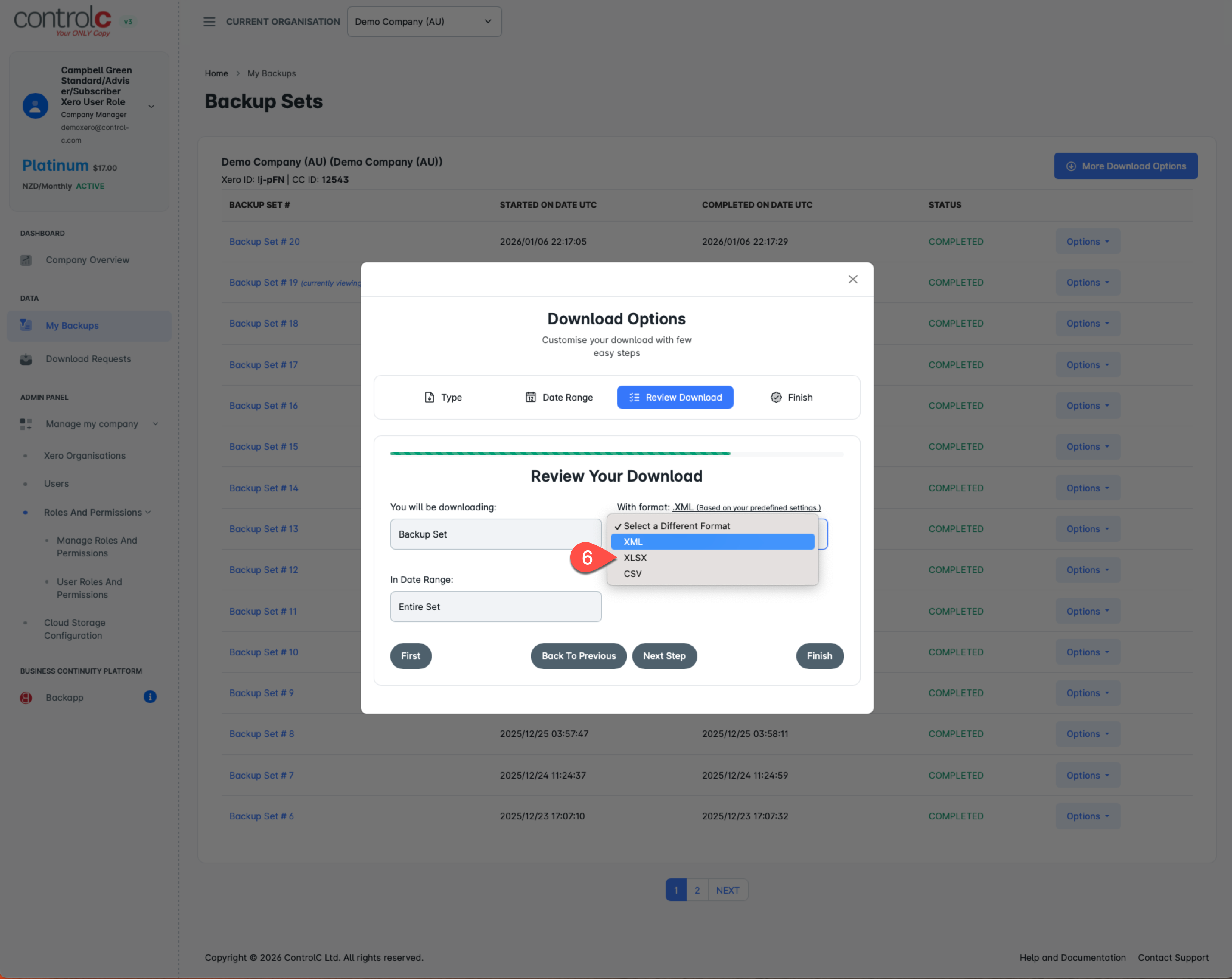
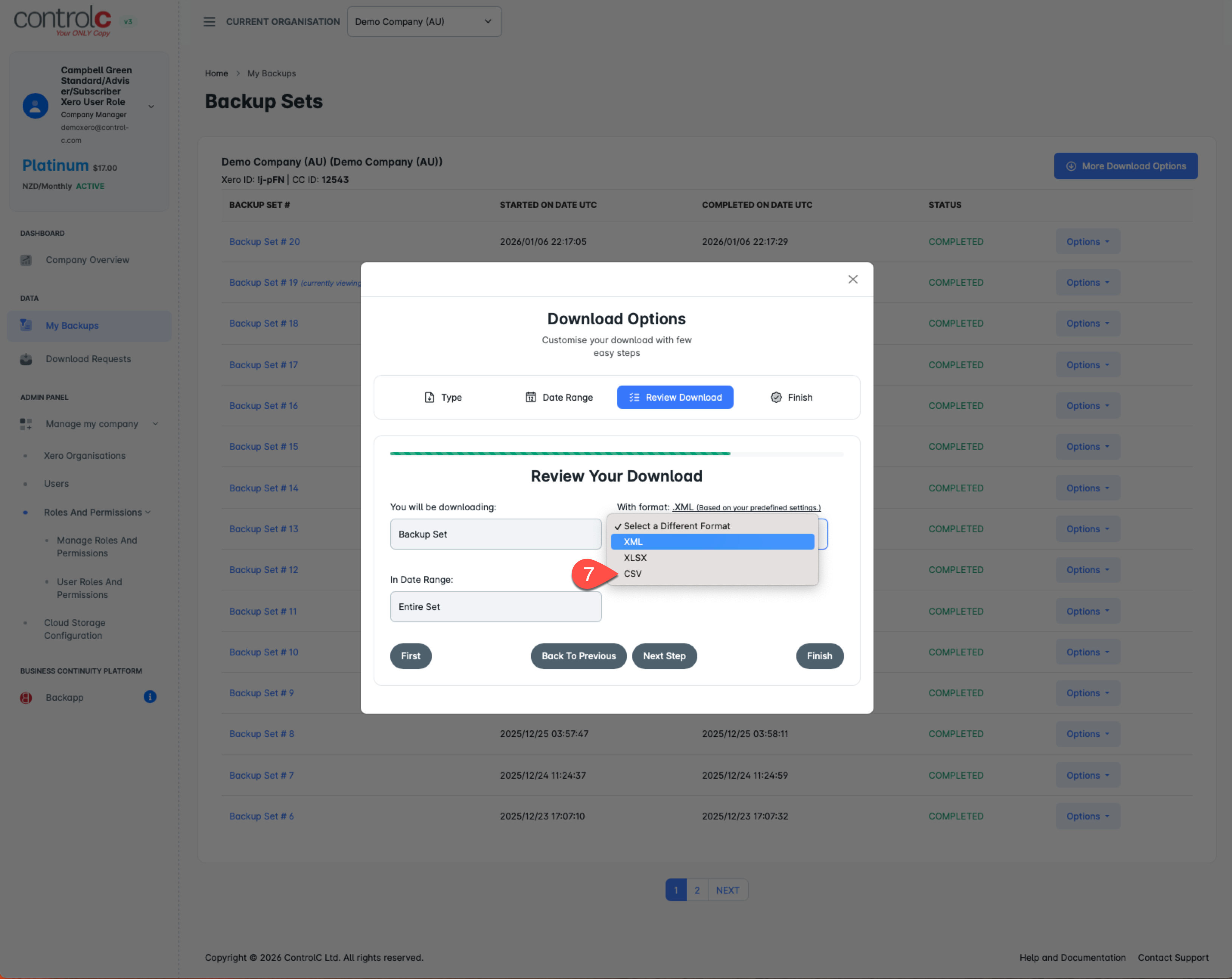
4. Ensure that you have also downloaded as CSV and XLSX as these will be helpful formats for recovery later on or importing into other Accounting platforms.
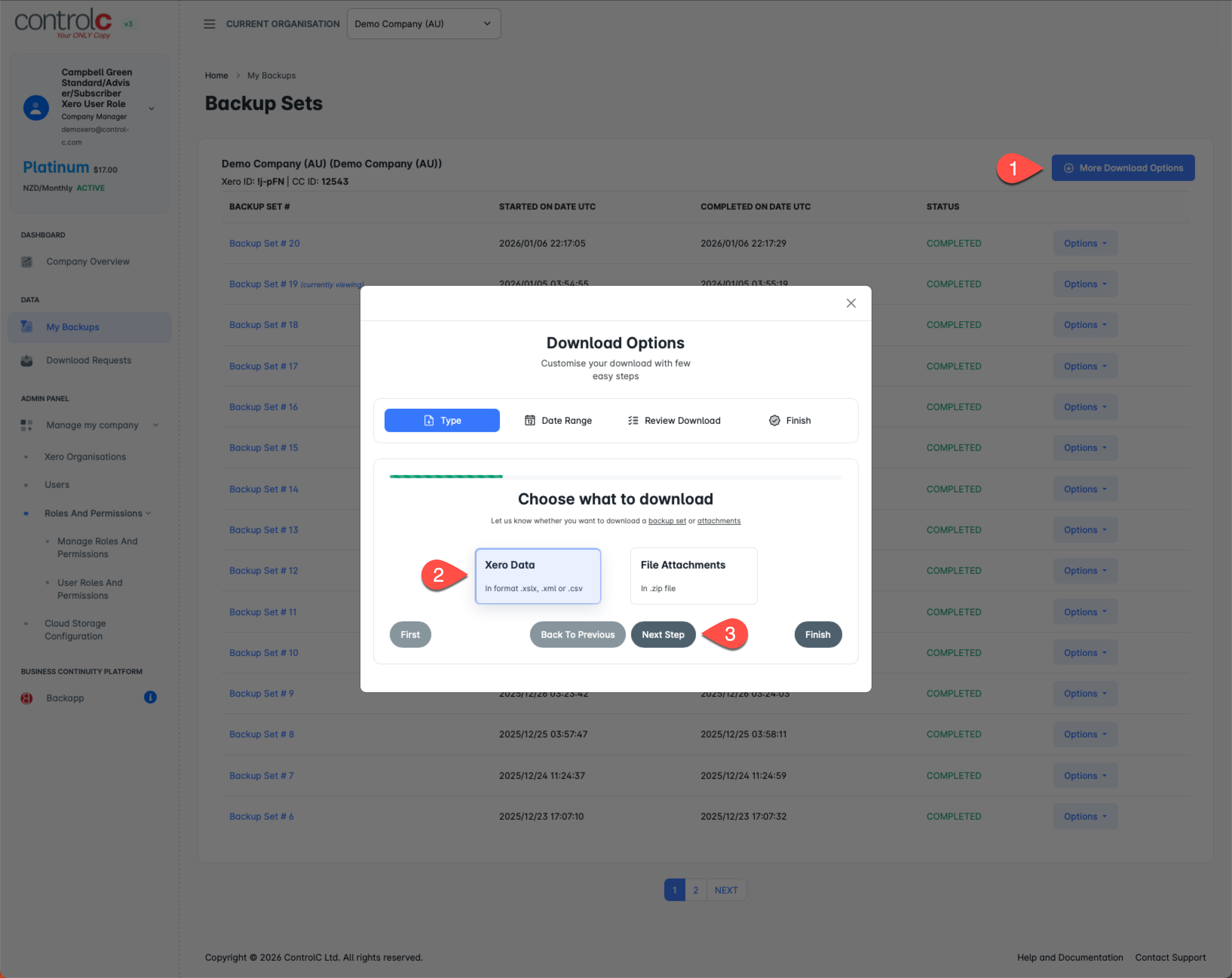
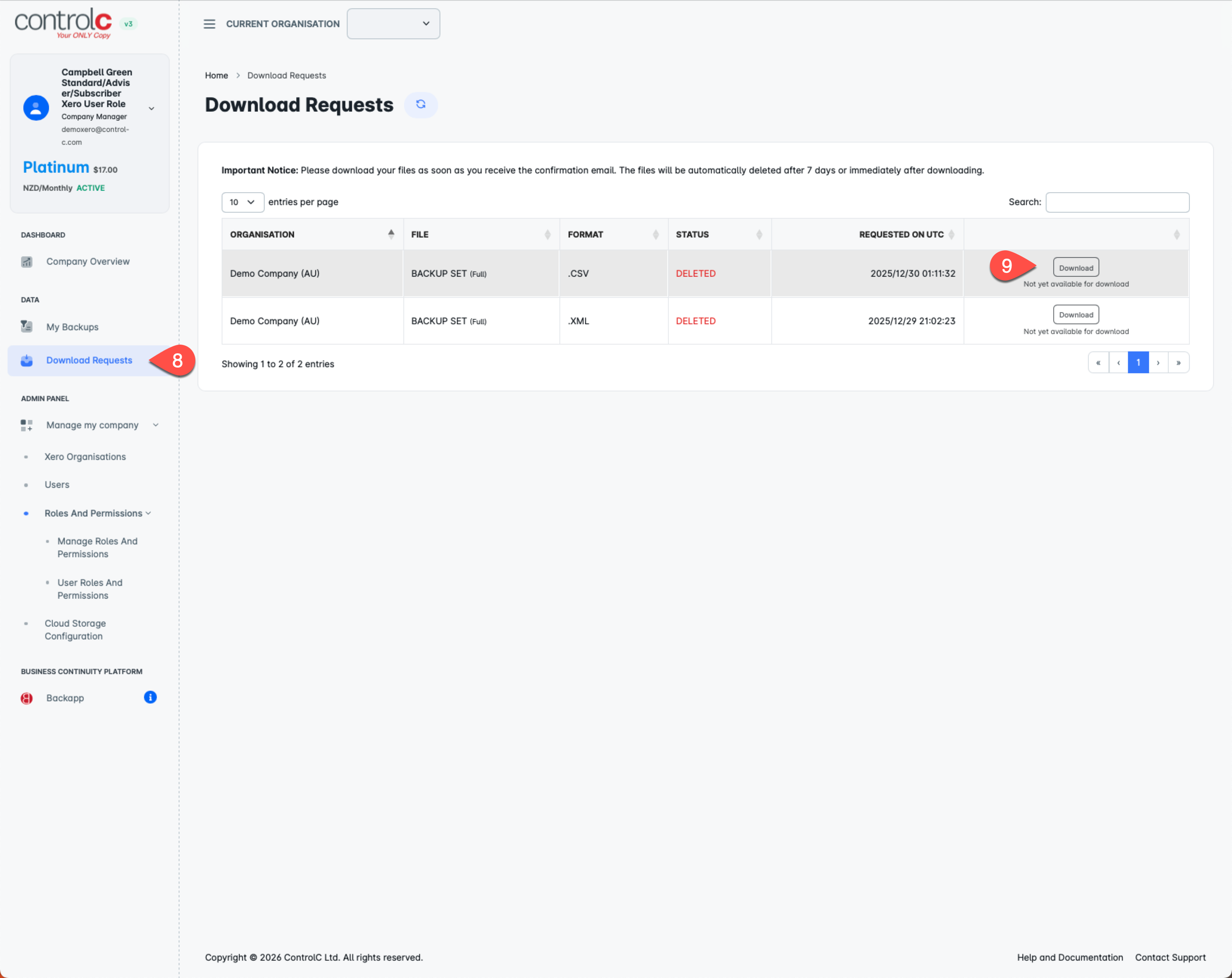
5. Go to the Download Requests (see below) to download the processed files.
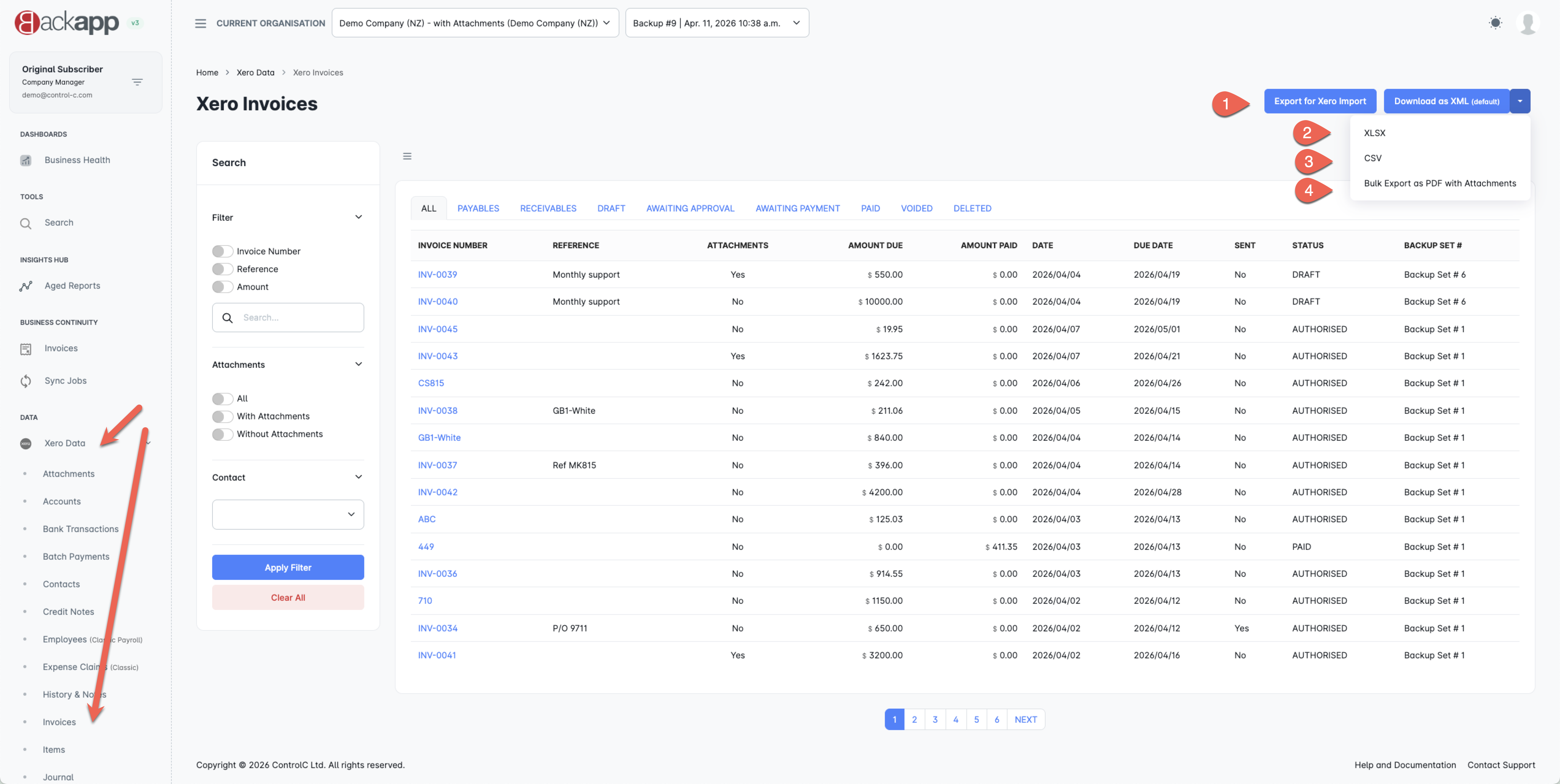
OPTIONAL DOWNLOADS - via backapp (Business Continuity Platform)
These downloads from backapp can also be done if you want some flexibility. Every Xero Data section can be export individually here...