First Download the latest NexGen backapp here...
https://marketing.control-c.com/partners/nexgen-backapp/
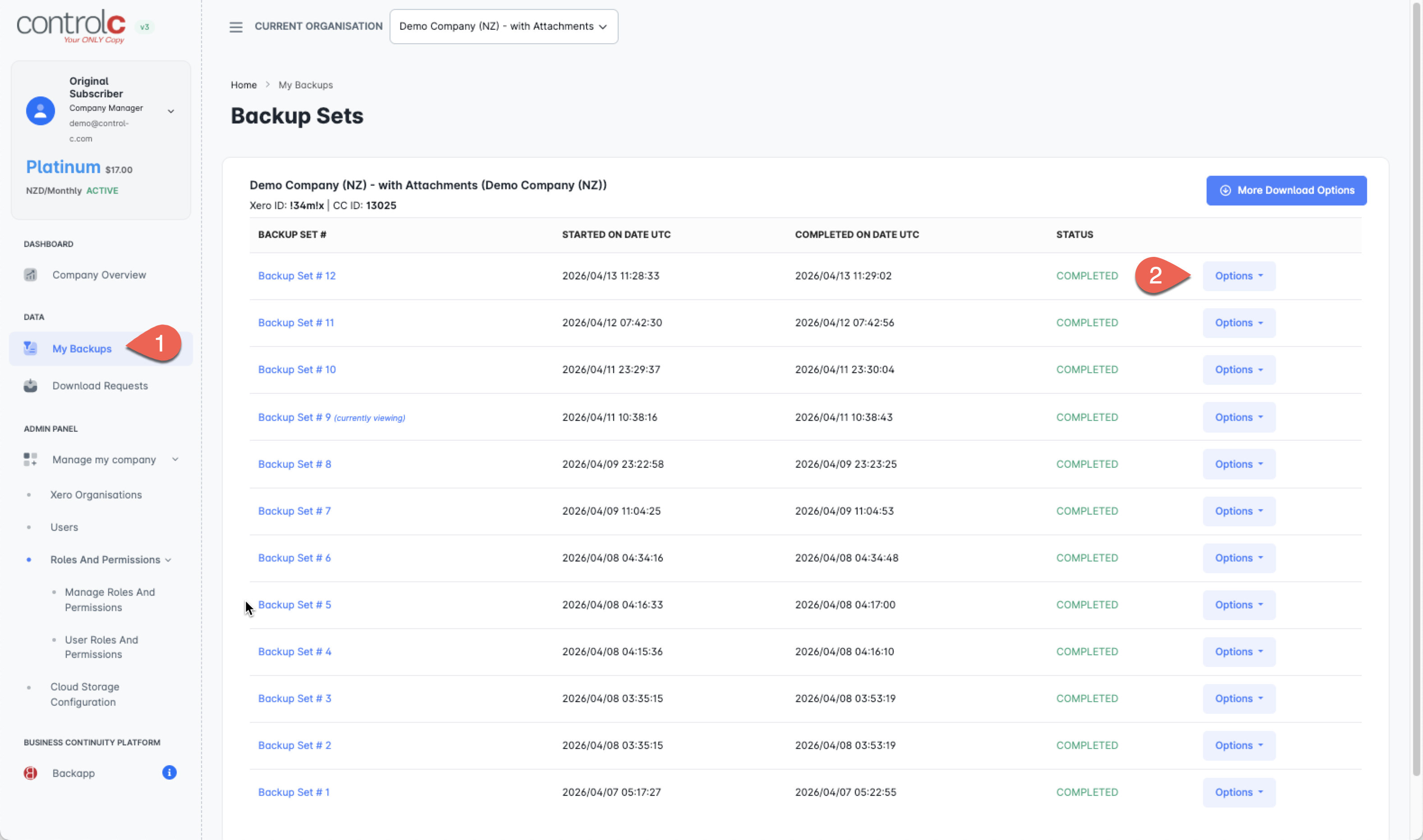
Step 1.
Login to Control-C Control Panel
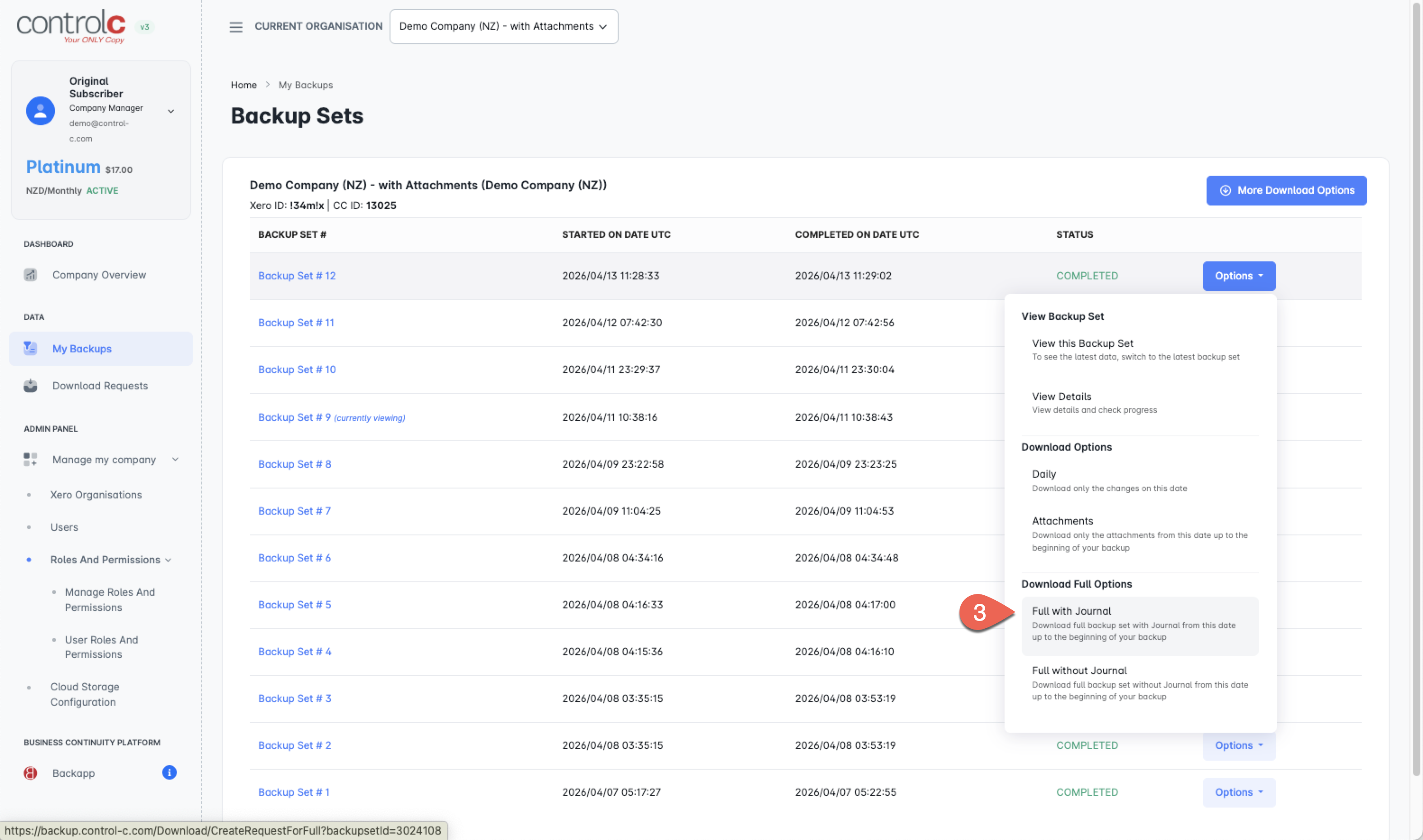
Step 2. Download your Full with Journal file.
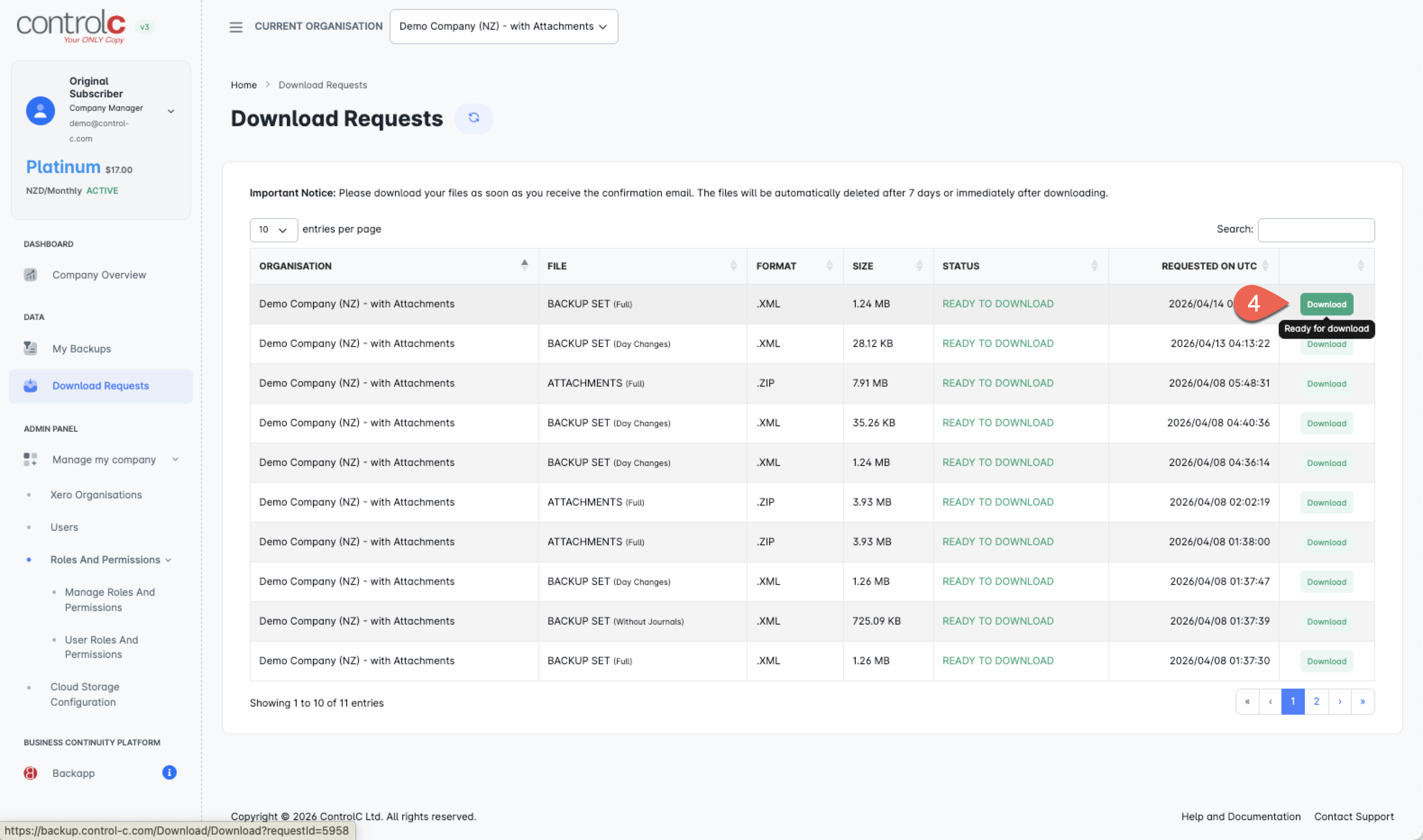
Step 3.
Click Download
Step 4.
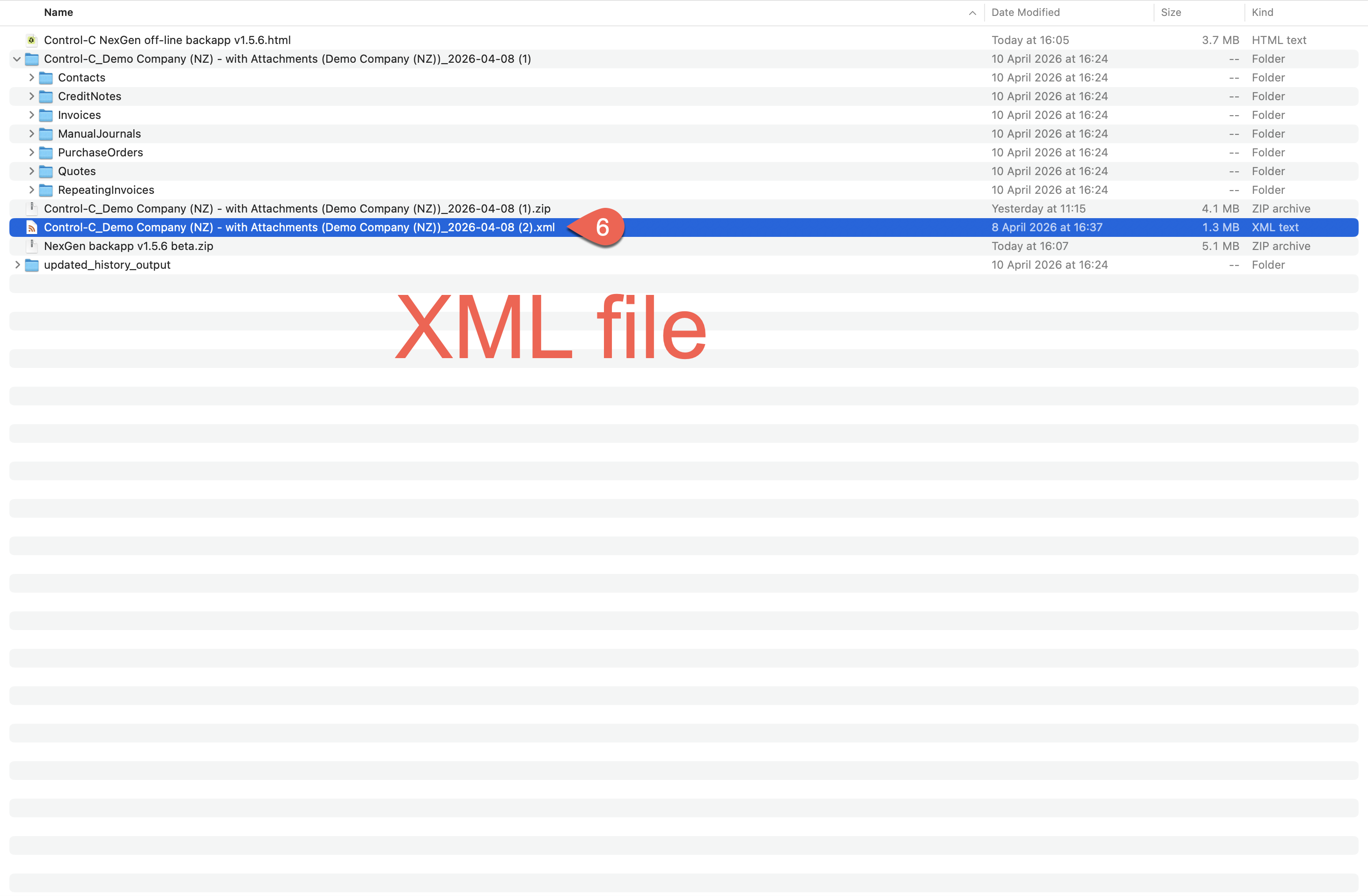
In NexGen backapp, click on the Import Single XML file option and follow the prompts - you don't need to do Attachments if you don't wish to or not sure how.
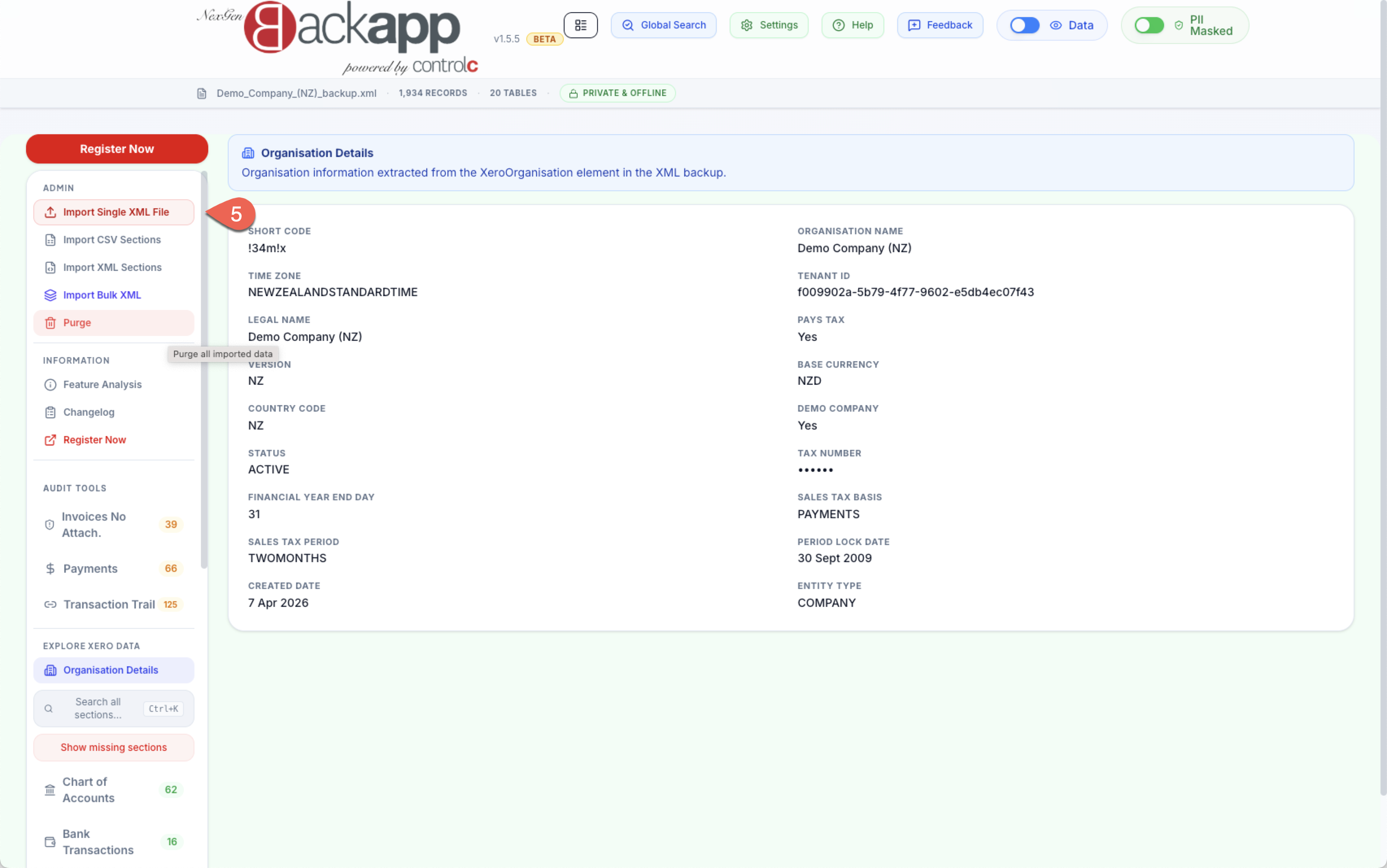
Step5.
Select the downloaded XML file from Control-